Your website has a blue button. The booking page has a slightly different blue button. The internal tool your team uses has a third one with square corners, and the quotation PDF uses a font nobody remembers choosing. No one decided this on purpose. It happened because different people built different things at different times.
As a business grows, this drift gets more expensive. Every new page takes longer to design, customers see a brand that feels slightly unreliable, and developers keep rebuilding things that already exist. The usual answer is a “design system”, a term that sounds heavier and more technical than it is. This article explains it in plain language, so you can judge whether your business needs one and what a sensible first version looks like.
What a design system actually is
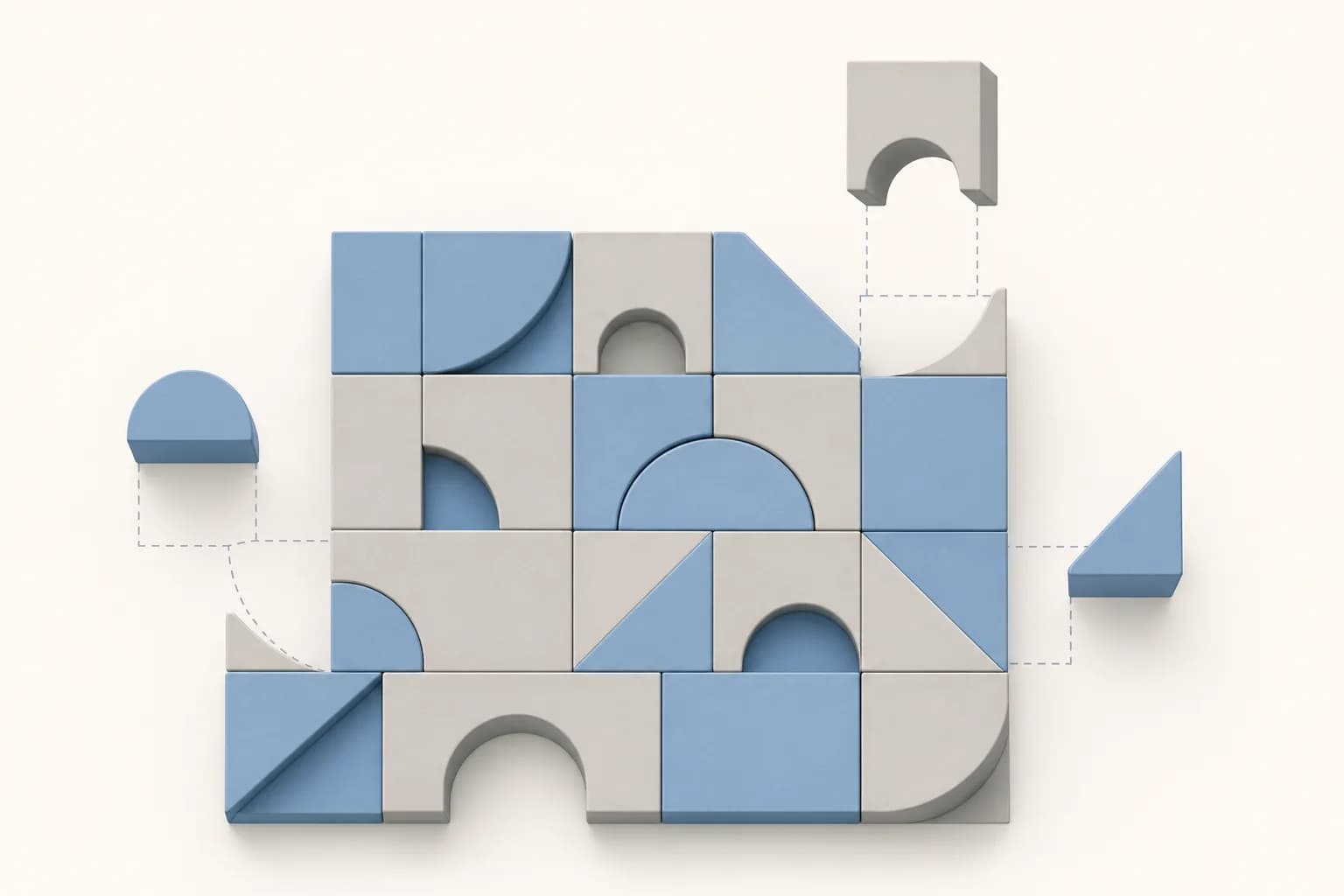
A design system is a shared collection of decisions and ready-made parts that everyone uses when they create screens for your business. Think of it as a well-organised kitchen in a restaurant group. Every outlet uses the same recipes, the same measurements and the same plating standards, so a customer gets a familiar result wherever they eat. New cooks learn faster, and nobody reinvents the sauce.
For a website or software product, the “recipes” are things like how a button looks and behaves, how a form field shows an error, and how a page is laid out on a phone. The system records the decision once. Designers and developers then reuse it instead of making it again.
What goes inside one
Design systems vary in size, but most contain four layers. You can think of them from the smallest building block to the most practical guidance.
1. Foundations
These are the basic visual choices: your colours, fonts, text sizes, spacing and corner shapes. Developers often call these “design tokens”, which simply means each choice has a name (for example, “primary colour”) and a single value. If you later adjust the brand colour, you change it in one place instead of hunting through hundreds of pages.
2. Components
Components are the reusable parts: buttons, form fields, menus, cards, pop-up windows, tables, notification banners. Each one is designed with its different states in mind, such as normal, hovered, disabled, loading and error. This is where much of the time saving comes from, because a well-built component already handles situations that a rushed one forgets.
3. Patterns
Patterns combine components to solve a recurring task: a sign-up flow, a search with filters, a checkout step, an empty screen that tells people what to do next. A pattern answers the question, “When we need to do this, how do we do it here?”
4. Guidelines
Guidelines explain when and why to use each part, in words. They cover tone of voice, how to write button labels and error messages, and basic accessibility expectations such as sufficient colour contrast. If you want a starting point for the writing side, our microcopy checklist covers the kind of rules worth recording.
What a design system is not
Part of the confusion comes from terms that sound similar. Here is how they differ.
- A brand guide or style guide. It usually covers logo, colours, fonts and photography, often as a PDF. It tells you how the brand should look, but it does not give a developer a working button. A design system includes the brand rules and the working parts.
- A UI kit. This is a file of designed screens or elements, usually for designers only. A kit is useful, but if the developers’ version of the button is separate from the designers’ version, they will drift apart again.
- A template. A template gives you a finished page to fill in. A system gives you parts and rules to build many different pages that still feel related.
- A one-off project. A design system is closer to a small product that needs an owner and occasional updates than to a document you finish and file away.
Signs your business is ready for one
You do not need a design system because it is fashionable. These are the situations where it earns its place:
- More than one product or surface. A marketing website, a customer portal and an internal system should feel like one company. Our article on dashboards for non-technical staff touches on why consistency matters for people who use tools daily.
- More than one person building screens. Once several designers, developers or outside vendors are involved, each will make slightly different choices unless something guides them.
- The same questions keep coming back. If people regularly ask “which blue is it?” or “how do we show an error here?”, the answers belong in a shared place.
- New features feel slow for the wrong reasons. If time goes into redrawing familiar elements rather than solving new problems, you are paying repeatedly for the same work.
- Quality problems repeat. Forms that fail on small screens, low-contrast text or missing error states often recur because each page is built from scratch.
When you probably do not need one yet
If you have a single brochure-style website that one team updates occasionally, a full design system is likely more than you need. A short style guide, a clear set of page layouts and a tidy theme may do the job. The same goes for a business that is about to redesign everything: it is usually wiser to settle your direction first, then record the decisions that worked, rather than documenting a design you are about to replace.
The point is proportion. A design system should reduce effort, not create a documentation burden that nobody has time to maintain.
How to start small
The most common mistake is trying to build a complete system before anyone uses it. A more practical approach grows the system from real work.
- Audit what exists. Collect screenshots of your website, app, emails and documents. Place all the buttons together, then all the forms, then all the headings. Seeing the variations side by side usually makes the case for consistency more convincingly than any explanation.
- Decide the foundations. Choose a small set of colours, two fonts at most, a text size scale and a spacing rhythm. Check that text colours are readable against their backgrounds.
- Build the most-used components first. Buttons, form fields, navigation and cards typically cover a large share of any interface. Make each one properly, including error and disabled states.
- Document the “why” briefly. A sentence or two per component about when to use it is more helpful than a long manual no one reads.
- Use it on a real project. The next page or feature you build should use the system. Gaps appear quickly, and you fix them while the context is fresh.
- Assign an owner. Someone, whether an internal person or a trusted partner, should decide what gets added, changed or retired.
Tip: Before building anything new, print or screenshot every button style your business currently uses and put them on one page. If your team can count more than three or four, you have already found your first component to standardise.
Keeping it useful over time
A design system that is not maintained becomes another outdated document. A few habits help it stay alive.
- Make it easy to find. Keep it in one place that designers, developers and external partners can all open.
- Make it easy to request changes. If people cannot suggest improvements, they will work around the system and create exceptions.
- Review it on a schedule. Even a short check every few months catches components nobody uses and gaps people keep filling by hand.
- Keep design and code aligned. The designed button and the coded button should come from the same decision. When they diverge, the system loses its value.
Concrete takeaways
- A design system is shared decisions plus reusable parts, not just a brand PDF or a design file.
- Its four layers are foundations, components, patterns and guidelines. Start with the first two.
- It pays off when several people, products or vendors are building screens for the same brand.
- A small business with one simple site may only need a short style guide and consistent layouts.
- Build it from real work, starting with the most-used components, rather than designing a perfect system in advance.
- Give it an owner, or it will quietly decay.
For a growing company, a design system is less about tidiness and more about making every future screen cheaper to build and more trustworthy for customers. If you are wondering whether your business is at that stage, you are welcome to talk it through with us, and you can read more about our UI/UX design work.
Frequently asked questions
Is a design system only for large companies?
No, but the size of the system should match the size of the need. A small company with a website and a customer portal can benefit from a lightweight version: a handful of colours, a few components and short guidelines. Large companies need more structure because more people contribute.
Who should own the design system?
Ideally one named person or a small group that can say yes or no to additions. In a smaller business this might be the person who manages your website, or an agency partner who works with you regularly. What matters is that someone is accountable, rather than everyone assuming someone else is.
Can we build a design system on WordPress?
Yes. In WordPress, the same ideas appear as theme settings, reusable blocks and page patterns, which let editors build pages from approved parts instead of styling each one by hand. The principle is the same as in custom software: decide once, then reuse. Our WordPress development page explains how we approach this.