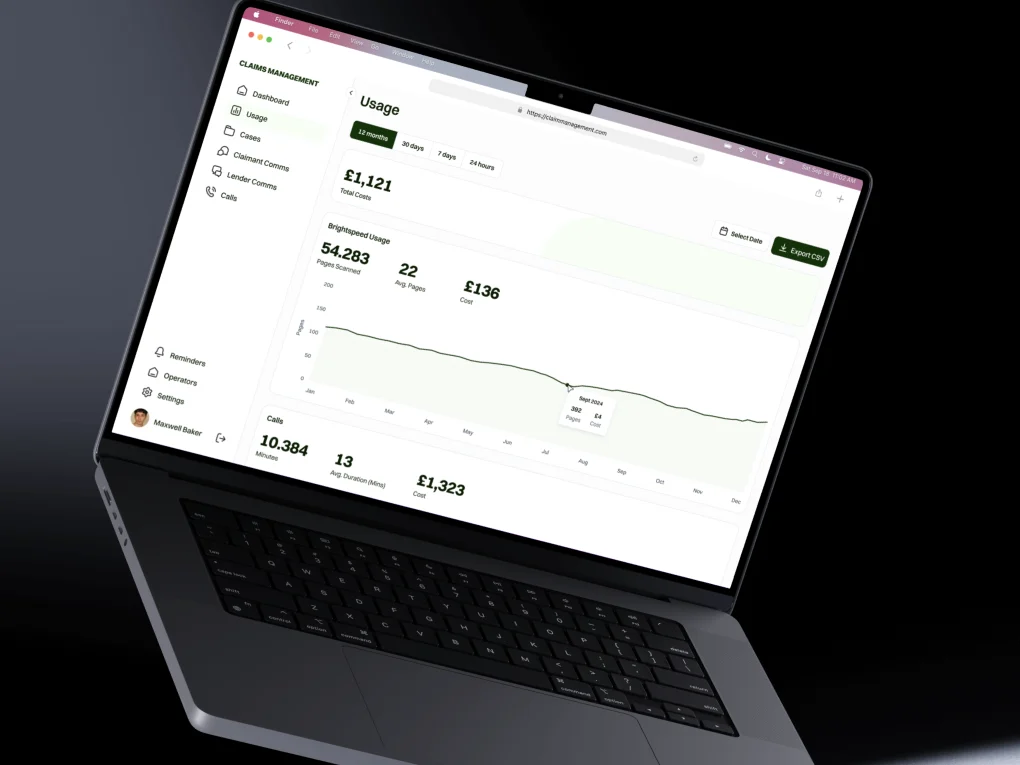
Understand the task
We review the audience, business goals, current experience and the decisions a user needs to make.
 Discuss your project
UI/UX design connects what people need to do with the screens they use. Digital Revo plans user flows, information architecture and responsive interfaces, then prepares prototypes and components for development. You can work with us on design alone or include implementation in the same project.
User flows, interfaces and prototypes that make websites and digital products easier to understand and build.
We review the audience, business goals, current experience and the decisions a user needs to make.
We map journeys and wireframes, including important empty, loading and error states.
We define visual hierarchy, responsive layouts and reusable components, then review key flows in a prototype.
We organize the design files and explain behavior and states to the team building the product.
Define the screens and flows for a new application before committing to development.
Review the current experience and plan a clearer hierarchy, navigation and set of interactions.
Create shared components and usage guidance so new screens follow consistent rules.
The useful design scope depends on where the uncertainty sits: a specific journey, a wider set of screens or the consistency of a growing product. A review can inform a redesign, and reusable components can form part of either project.
| Approach | A good fit when | What to consider | Example scenario |
|---|---|---|---|
| Focused UX review and journey design | You know where users struggle but need to understand and improve a particular task. | Agree the evidence available, the journey to review and whether research or usability testing is included. Recommendations still need implementation. | A team wants to simplify a multi-step enquiry form using existing feedback and a prototype of the revised flow. |
| Interface redesign and prototype | A website or application needs a clearer structure, responsive layouts and agreed screen behavior before development. | Define the screens and states, review rounds and handoff requirements. A prototype demonstrates the intended experience but does not operate as production software. | A client portal needs redesigned navigation, request screens and error states for a development team to build. |
| Design system and component guidance | Multiple features or contributors need shared components, styles and interaction rules. | Components need an owner, usage guidance and a process for updates. The design library and implemented components must stay aligned. | A product team needs consistent tables, forms and status patterns across several dashboards. |
Yes. UI/UX design can be a standalone project. The agreed scope can include user flows, wireframes, responsive interface designs, prototypes and a developer handoff for your own team. We can also combine design and development.
UX, or user experience design, plans how people find information and complete tasks. UI, or user interface design, defines the screens, controls and visual hierarchy they use. Digital Revo combines user flows, information architecture, wireframes and responsive interface design to connect the experience with the final screens.
A Digital Revo UI/UX project can include user journeys, information architecture, wireframes, responsive screen designs, interactive prototypes and reusable components. The handoff includes design files, assets and guidance on behavior and important states. We agree the screen list, prototype journeys and review rounds before work begins.
Yes. Digital Revo reviews the current experience, audience and business goals before proposing a redesign. We can focus on confusing navigation, complex forms, inconsistent screens or a specific user journey. Existing feedback and analytics help identify priorities; any additional user research or testing needs to be agreed in the scope.
Wireframes help review page structure and task flow before visual details are finalized. An interactive prototype lets your team walk through an agreed journey and discuss behavior before development. Digital Revo uses these steps to clarify requirements and surface questions early; a prototype is a design model rather than a working application.
A design system is useful when multiple screens, features or teams need consistent components and interaction patterns. A smaller website may only need a focused set of reusable components and style guidance. Digital Revo scopes the component library and documentation around the product and the team that will maintain it.
Digital Revo reviews responsive layouts, visual hierarchy and accessibility considerations such as contrast, readable text, form labels and interaction states. Design handoff explains the intended behavior to developers. Accessibility also depends on implementation and testing; a formal audit or a specific conformance target needs to be agreed in the project scope.
Share a short brief. We’ll reply with questions and a suggested first step, and you’ll see the scope and costs before any work begins.
Prefer to talk first? WhatsApp us or send an email.
An AI assistant that answers from Digital Revo’s published information. It can make mistakes and can’t quote prices. Please don’t share personal or sensitive details: messages are sent to our AI provider to generate answers and are not stored by us.