
Once a business decides to try AI, the question quickly shifts from whether to use it to how. Your accounting software, helpdesk and email now advertise AI features. Free and paid AI assistants are a browser tab away. And someone, usually an agency like us, may suggest connecting AI directly to your systems. All three can be the right answer, and all three can be a waste of effort if they are matched to the wrong job.
This article compares the three options plainly: what each is good at, what it costs you in control and effort, and how to tell which one fits a given task.
The three options
Option 1: AI features inside software you already use
Many everyday tools now include AI: summarising a support thread, drafting an email, suggesting a category for an expense, writing a product description. You switch the feature on and use it where you already work.
What works well:
- No new login, no new habit. Staff use it inside the screen they already know.
- The data is already there, so there is nothing to copy across.
- The vendor maintains it and improves it over time.
- It is the cheapest way to find out whether your team even likes working with AI.
Where it falls short:
- You get the vendor's idea of the workflow. If your process differs, you adapt to the tool rather than the reverse.
- Control is limited. You may not be able to set the tone, rules or the exact information the AI sees.
- It only works inside that one product. It will not look up a customer in one system and update a record in another.
- Features change without much notice, so behaviour you relied on can shift.
Option 2: A standalone AI tool or general assistant
This is the chat-style assistant that anyone on the team can open to draft, summarise, rewrite, brainstorm or analyse text they paste in.
What works well:
- Very flexible. One tool covers many different tasks.
- Quick to test. A person can try an idea in minutes.
- Good for work that is occasional, varied and judged by the person doing it, such as drafting a proposal intro or tidying meeting notes.
Where it falls short:
- It is disconnected from your records, so staff copy and paste information in and results out. That is slow at volume and easy to get wrong.
- Quality varies from person to person. One employee writes careful instructions, another does not, and the results differ.
- Business information leaves your own systems. What happens to it depends on the provider and the plan, which is worth understanding before staff start pasting in customer details. We cover this in Where Your Data Goes: Four Ways to Use AI With Business Information.
- It is hard to see what is being used for what, so it is hard to check quality or improve it.
Option 3: A custom integration
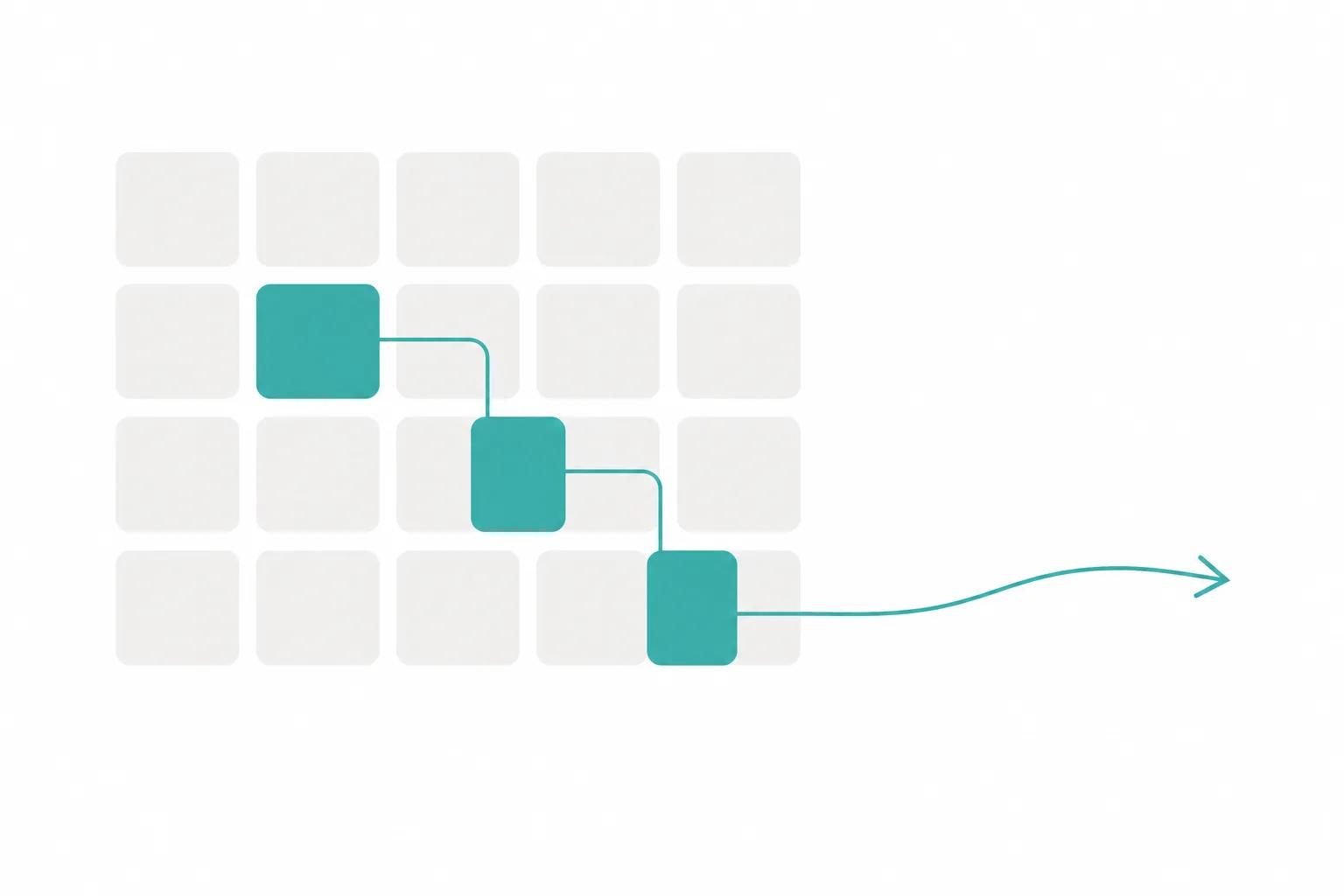
Here, AI is connected to your own systems and rules. For example, an incoming request is read, key details are extracted, matched against your customer records, drafted into a response or entry, and held for a person to approve.
What works well:
- It fits your process instead of forcing your process to fit a tool.
- It can span several systems, so the work arrives where it needs to be without retyping.
- You decide what information is sent, what checks run, and where a human reviews the result.
- Every step can be logged, which makes errors easier to trace and fix.
Where it falls short:
- It needs up-front thinking. You have to define the process clearly, including the awkward exceptions.
- It needs maintenance. Connected systems change, and the AI behaviour needs periodic checking.
- It only pays off for work that is repeated often enough and follows a recognisable pattern.
- More decisions sit with you: what the AI may do, what needs approval, and what happens when it fails.
Side by side
The table below summarises where each option tends to fit and what you give up by choosing it.
| Option | Best for | Main trade-off |
|---|---|---|
| Built into current tools | Small, common tasks inside one product | Little control or customisation |
| Standalone AI tool | Occasional, varied, personal tasks | Manual copying, uneven use |
| Custom integration | Repeated multi-system processes | Set-up effort and upkeep |
The pattern is that flexibility and convenience are highest at the lighter end, while consistency, control and connection to your records are highest at the custom end. None of these is simply better. A custom build for a task done twice a month is overkill, and a pasted-in chat for a task done two hundred times a week is a slow, error-prone workaround.
Start with the lightest option that can do the job safely, and move to a custom build only when a repeated process needs rules, connections or checks that the lighter options cannot give you.
Questions that point to the right option
Instead of starting with the technology, answer these about one specific task.
- How often is the task done, and by how many people? Rare and personal leans light. Frequent and shared leans toward something built-in or custom.
- Where does the information live? If everything needed sits inside one product, its built-in feature is the obvious first test. If it is spread across several, a connection is probably needed.
- What happens if the output is wrong? A slightly clumsy internal summary is low risk. A wrong figure in a customer quote is not. Higher risk calls for review steps and logging, which are easier to build into a custom setup.
- What data is involved? Personal, financial or confidential details deserve a deliberate decision about where they are sent, not a default.
- Does the result need to land in another system? If a person would otherwise retype it, that is a sign automation, not just assistance, is what you need.
- Who will look after it? Someone has to notice when quality slips or a connected system changes. If nobody will, prefer the option where the vendor carries more of that burden.
A hypothetical example
Imagine a small distribution company whose sales team receives purchase requests by email in many formats. At first, the team tries the AI summary feature in their email software. It helps them read long threads faster, and it costs them nothing in set-up. Useful, but the main time sink remains: someone still retypes each request into the order system.
A few staff also try a standalone assistant to extract the line items, pasting results into the order screen. It works, but quality depends on who does it, and customer details are being pasted into a tool nobody has reviewed.
At that point the repeated, multi-system nature of the task is clear. The company might consider a custom integration that reads each request, extracts items, checks them against the product list, flags anything unclear and presents a draft order for a person to confirm. The earlier experiments were not wasted. They showed which part of the work was worth automating and what a good result looks like.
This is a scenario for illustration, not a prediction of what any particular business will find. But the progression is common: light options reveal the real bottleneck, and a custom build is justified once the bottleneck is repeated and well understood.
Mistakes to avoid when choosing
- Choosing by excitement rather than by task. Pick one concrete task and judge each option against it.
- Assuming built-in means safe. A feature inside a trusted product still sends information somewhere. Read what the vendor says about how your data is handled.
- Skipping a trial with real examples. Test any option on a batch of your actual, messy cases, including the awkward ones, not a clean demo.
- Building custom before the process is stable. If staff handle the task differently each time, automating it will lock in the confusion. Settle the process first.
- Ignoring the cost of the status quo. The question is not only what a custom build costs, but what the manual work costs in time and errors. Our checklist for weighing cost against value walks through that comparison.
Takeaways
- There are three realistic paths: built-in AI features, standalone tools and custom integrations. Each suits a different kind of task.
- Light options are quick and low-commitment but offer little control and little connection to your records.
- Custom integrations give control, consistency and connection, in exchange for set-up effort and ongoing care.
- Decide task by task, not once for the whole company. A business can sensibly use all three.
- Test on real cases, think about what happens when the output is wrong, and decide deliberately what data goes where.
- Use light experiments to find the genuine bottleneck before committing to anything bespoke.
If you are weighing up which path suits a particular task, you are welcome to talk it through with us on our AI automation page, with no obligation.
Frequently asked questions
Can we start with a built-in or standalone tool and move to a custom build later?
Yes, and it is often a sensible route. Early use shows which tasks matter, what good output looks like and where staff need review steps. Keep notes on examples that worked and failed, because they become a valuable guide if you later build something custom.
Is a custom integration automatically more private?
Not automatically. It gives you more say over what information is sent and what is logged, but privacy still depends on the AI provider you connect to, how it is configured and how access is managed. Whichever option you choose, check how the provider handles your data and send only what the task needs.
How do we know whether a built-in AI feature is good enough?
Try it on a set of real examples from your own work, including awkward ones, and have the people who do the task judge the results. If the output is usually usable with light editing and mistakes are easy to spot, it may be enough. If staff still retype results elsewhere or fix errors constantly, the task probably needs something better connected.