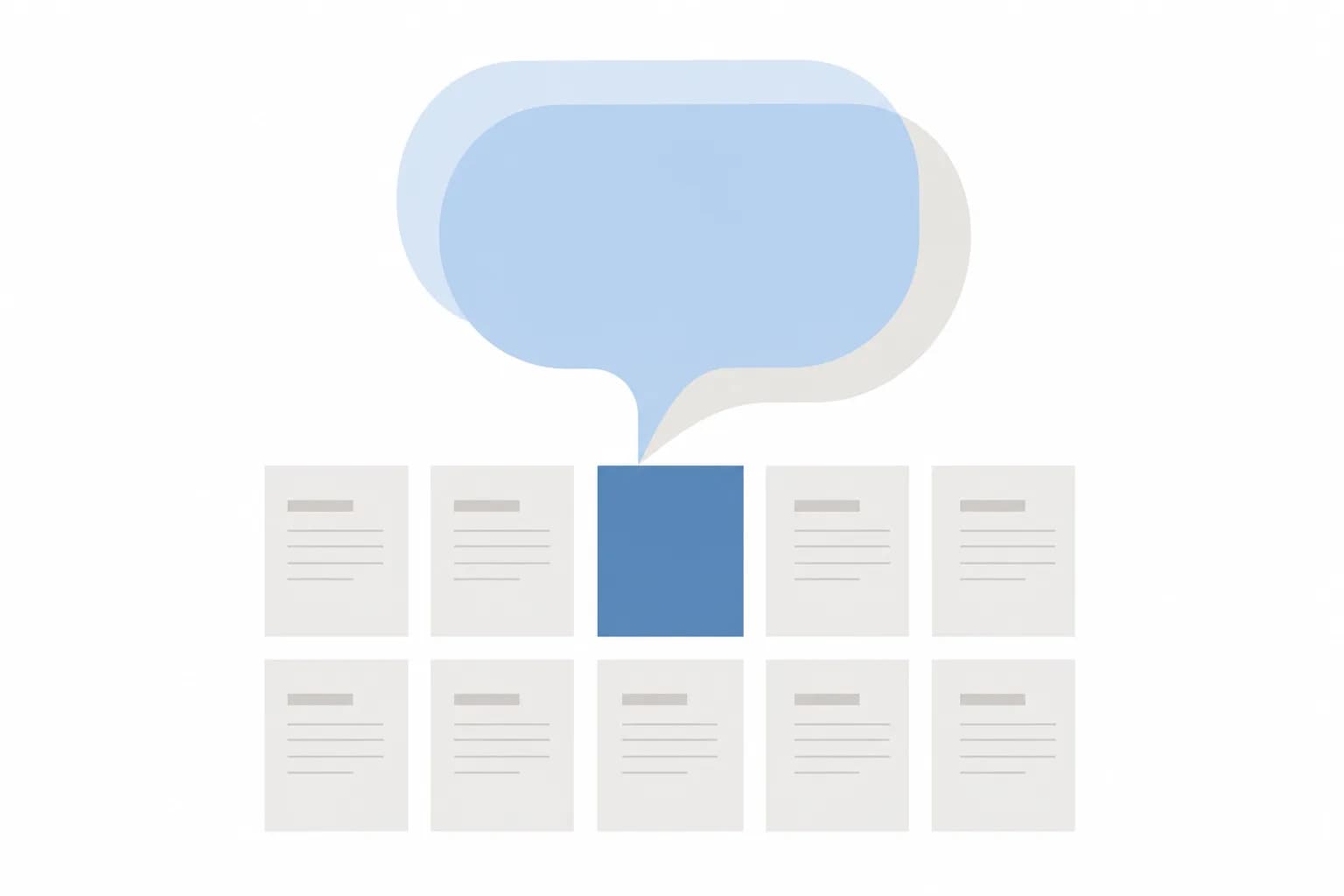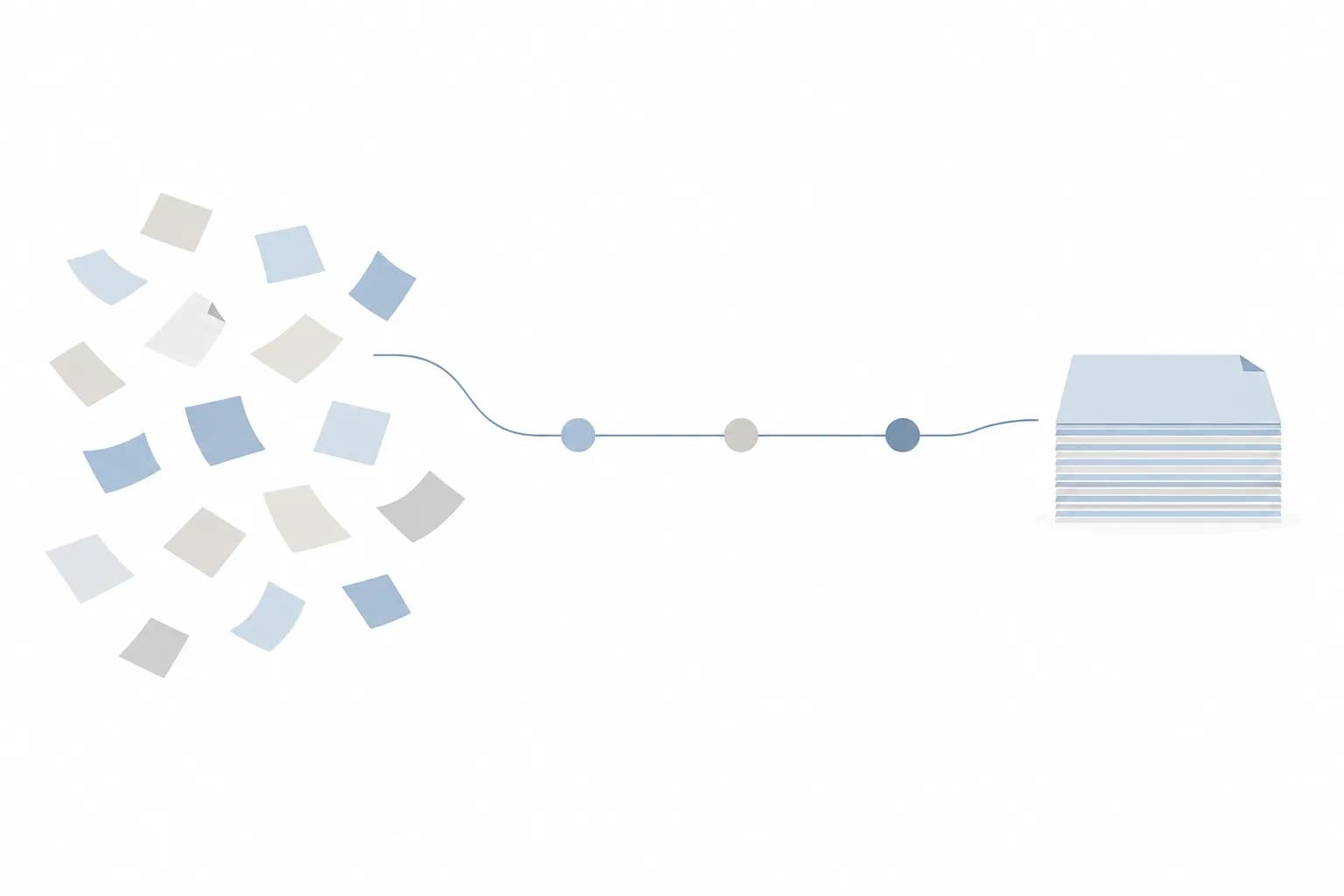

When an AI project disappoints, the tool is rarely the main cause. More often the information behind it was scattered across chats and spreadsheets, out of date, or contradicting itself. An assistant that reads three different price lists will confidently quote one of them. An automation that expects a date in one format will quietly break on another.
Preparing your data does not mean a giant clean-up of everything the company owns. It means getting one defined set of information into good enough shape for one job. Use the checklist below before you commission or switch on anything.
1. Define the job before you touch the data
You cannot judge whether data is ready until you know what it is ready for. Write down the answers to these first:
- What single task should the AI help with, for example answering product questions, drafting quotes or sorting incoming requests?
- Who will use the output, and what do they do with it next?
- What does a good result look like in plain words? Could a new staff member recognize it?
- Which information would the AI need to do this task, and which would it not?
The last question matters most. A narrow job needs a narrow set of data, and that keeps the preparation work small enough to finish.
2. Find where the information actually lives
In most small and mid-sized businesses, the knowledge needed for a task is spread out. Make an inventory before you decide anything else.
- Spreadsheets, shared drives and accounting or CRM software
- Email threads and WhatsApp conversations where decisions were made
- Printed forms, contracts and handwritten notes
- Knowledge that only one or two people carry in their heads
For each source, note who owns it, how often it changes and whether it can be exported in a usable form. A scanned PDF of a price list is far harder to work with than a spreadsheet. The inventory often shows that the real blocker is access, not quality.
3. Check that the data is accurate and current
AI tools do not know that a document is old. They treat everything you provide as equally true. Go through your chosen sources and look for these problems:
- Outdated items: discontinued products, old prices, policies that have since changed
- Conflicting versions: two files with similar names that disagree
- Duplicates: the same customer or product entered several times with small differences
- Gaps: blank fields that staff normally fill in from memory
A simple approach is to sample a handful of records from each source and compare them with reality. If the sample has problems, assume the rest does too.
4. Make formats and wording consistent
Humans read past inconsistency without noticing. Software does not. Pick one convention for each of the following and apply it across the dataset:
- Date formats, since day-month-year and month-day-year can be silently confused
- Currency and number formats, such as how you write rupiah amounts and decimals
- Product, service and customer names, including abbreviations and spelling variants
- Units, sizes and categories
- Language, if your documents mix Bahasa Indonesia and English for the same topic
Create a short reference list of the preferred terms. It will also help your staff and any partner who builds the system.
An AI project is only as dependable as the information it is given, so the best early work is making one well-defined set of data accurate, current and clearly owned.
5. Separate out sensitive information
Business data often contains more personal or confidential detail than people remember: customer phone numbers in chat exports, ID numbers in scanned forms, salary details in a shared spreadsheet. Before any of it goes near an AI tool, decide what must stay out.
- Mark which fields are personal, financial or contractually confidential.
- Remove or mask anything the task does not need.
- Check what your contracts with customers and suppliers allow you to share with outside services.
- Confirm how the tool or provider stores and uses the data you send it.
How your information is handled depends heavily on how the AI is set up. Our article on four ways to use AI with business information explains the options and what each means for privacy.
6. Assign an owner and an update routine
Data that is clean on launch day will drift. Prices change, staff leave and policies get revised. Without someone responsible, the AI keeps repeating yesterday's facts.
- Name one person accountable for each data source, not a department.
- Decide how changes reach the AI: automatically from the source system, or through a manual update step.
- Set a review rhythm, such as checking key documents whenever a price or policy changes.
- Agree what happens when someone spots a wrong answer and who fixes the underlying data.
This is the step most often skipped, and it is usually the difference between a pilot that impresses and a tool people still trust six months later.
7. Build a small test set from real cases
Before you rely on the system, gather a modest collection of real examples where you already know the correct outcome. For example, a distributor might pick a set of past customer questions together with the answers its sales team gave, including a few awkward ones about discontinued items or special terms.
- Include typical requests, not only easy ones.
- Add edge cases: missing information, unusual wording, requests the AI should decline.
- Record the expected answer or action for each.
- Rerun the same set after every change to the data or the setup.
A test set turns "it seems fine" into something you can check. It also shows whether a bad result comes from the data or from the tool, which saves a lot of guessing.
8. Decide what to leave out on purpose
More data is not automatically better. Old drafts, internal arguments in chat threads and documents nobody can vouch for add noise and risk. Set a simple rule: if no one can say the information is correct and current, it does not go in. You can always add sources later once the first set performs well.
Concrete takeaways
- Start with one task and prepare only the data that task needs.
- List every source, its owner and whether it can be exported.
- Remove outdated, duplicate and conflicting items before anything else.
- Standardize dates, currency, names and language.
- Strip out personal and confidential details the task does not require.
- Give each source a named owner and a clear update routine.
- Keep a test set of real cases and rerun it after each change.
If your list shows that most of the effort sits in connecting systems and making records consistent, that is useful to know early, because it shapes whether an off-the-shelf tool or a custom build makes sense. For help turning repeating tasks into reliable workflows, see our step-by-step workflow guide or our AI automation service.
Frequently asked questions
Do we need perfect data before starting an AI project?
No. You need data that is good enough for the specific task, and you need to know where it is weak. Starting with a small, well-checked set and expanding is more realistic than trying to clean everything first.
Who in the company should do this preparation?
The people who use the information daily are best placed to judge whether it is right, so involve them rather than leaving it to IT or an outside partner alone. A partner can help with extracting, structuring and connecting data, but someone inside the business must confirm what is correct.
What if our information is mostly in WhatsApp chats and paper documents?
That is common and not a dead end, but it means extra work to turn that material into something structured. Begin by identifying the few facts that matter for your task, such as prices, terms and standard answers, and record them in one maintained document or spreadsheet. Use that as the source instead of raw chat history.
If you would like to talk through the state of your data and what a sensible first project could be, you are welcome to contact the Digital Revo team.