Adding an AI assistant to your website is tempting. Visitors ask the same questions again and again, your team is busy, and a chat window that answers instantly looks like an easy win. The risk is that a badly set up assistant does not say "I'm not sure." It produces a fluent, confident answer anyway, and sometimes that answer is wrong about your prices, your opening hours or your refund policy.
The good news is that most of these failures are predictable. They come from how the assistant is set up, not from the idea itself. Below are seven mistakes we see businesses make, and what to do instead.
Mistake 1: Letting the assistant answer from general knowledge
Language models are trained on huge amounts of general text. If you connect one to your site with a short instruction like "be a helpful assistant for our company," it will fill every gap in its knowledge with something plausible. It does not know the difference between what it learned in general and what is true for your business.
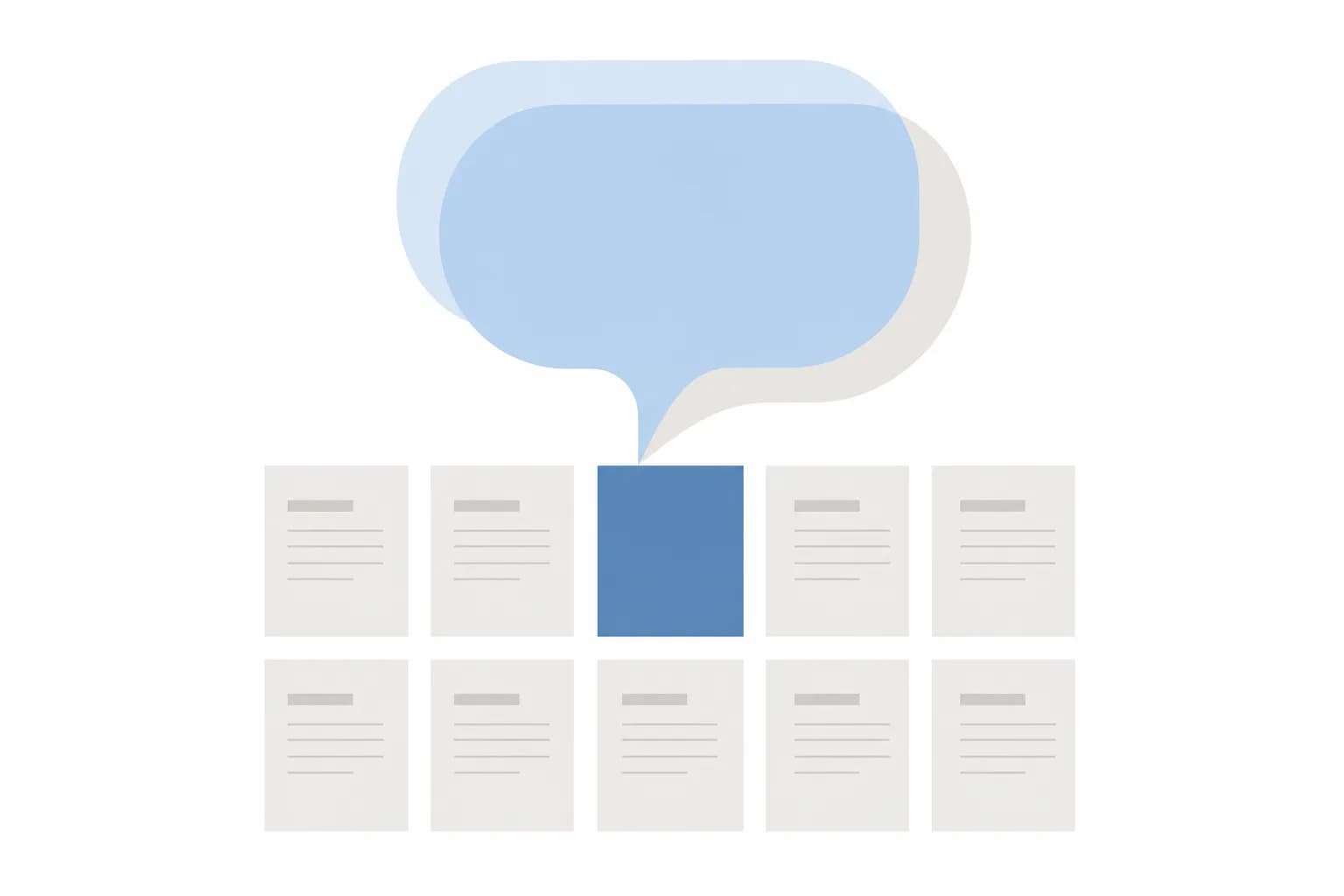
How to avoid it: Set the assistant up so it answers only from material you provide: your service pages, FAQs, policies and product information. Instruct it explicitly that if the answer is not in that material, it should say so and offer a next step. Then test that instruction, because it is the single most important behaviour to get right.
Mistake 2: Feeding it outdated or contradictory content
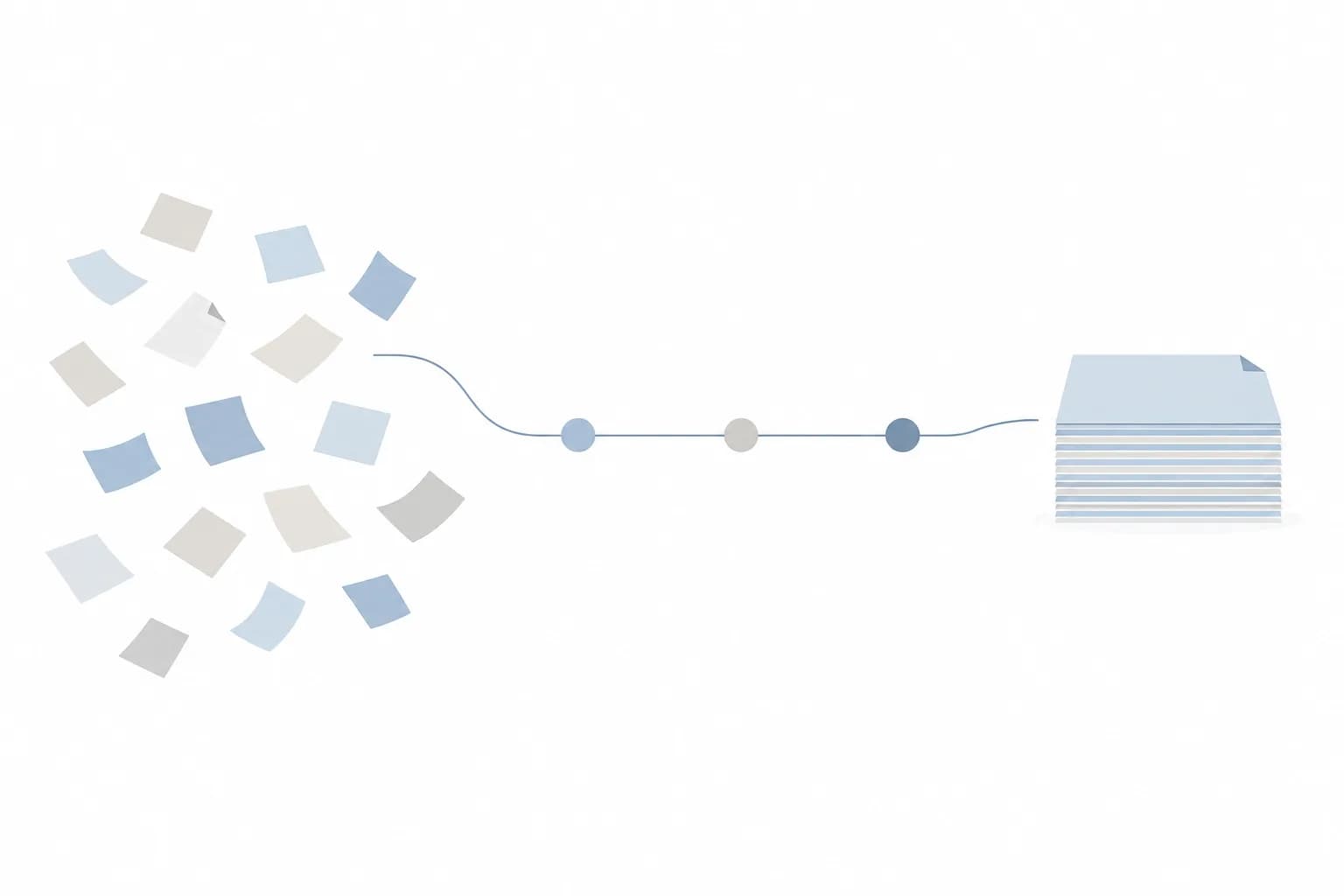
An assistant is only as accurate as its sources. If your site has an old price list PDF, two versions of the return policy and a blog post from years ago describing a service you no longer offer, the assistant may quote any of them. It cannot tell which one you consider current.
For example, a clinic might have changed its consultation hours last year but left the old hours on a forgotten landing page. A human receptionist knows which is right. An assistant reading both does not.
How to avoid it:
- Before connecting anything, list every document and page the assistant will read.
- Remove or fix anything outdated, and resolve contradictions at the source.
- Give each source an owner and a review date, so someone is responsible when a policy changes.
This cleanup is often the largest part of the work, and it also improves your website for human visitors.
Mistake 3: Not defining what the assistant may and may not say
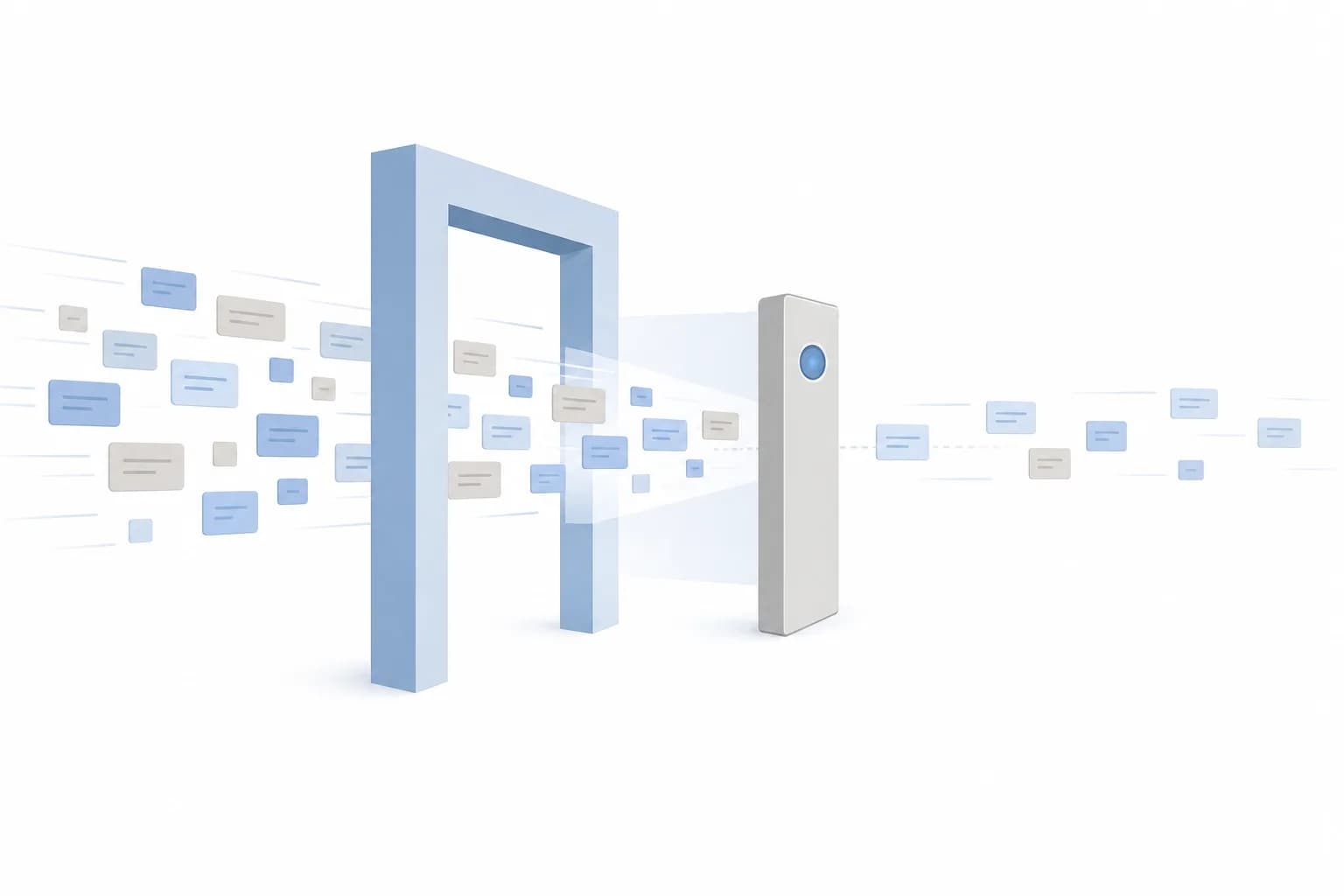
Some topics are low risk, such as where you are located or what a service includes. Others carry real consequences: exact quotes, delivery promises, refunds, legal or medical statements, or anything that sounds like a commitment. If you do not draw the line, the assistant will not draw it for you.
How to avoid it: Write a short scope document with three lists:
- Can answer: general information drawn from approved content.
- Can answer only with a fixed wording: topics like refund terms, where the exact text matters.
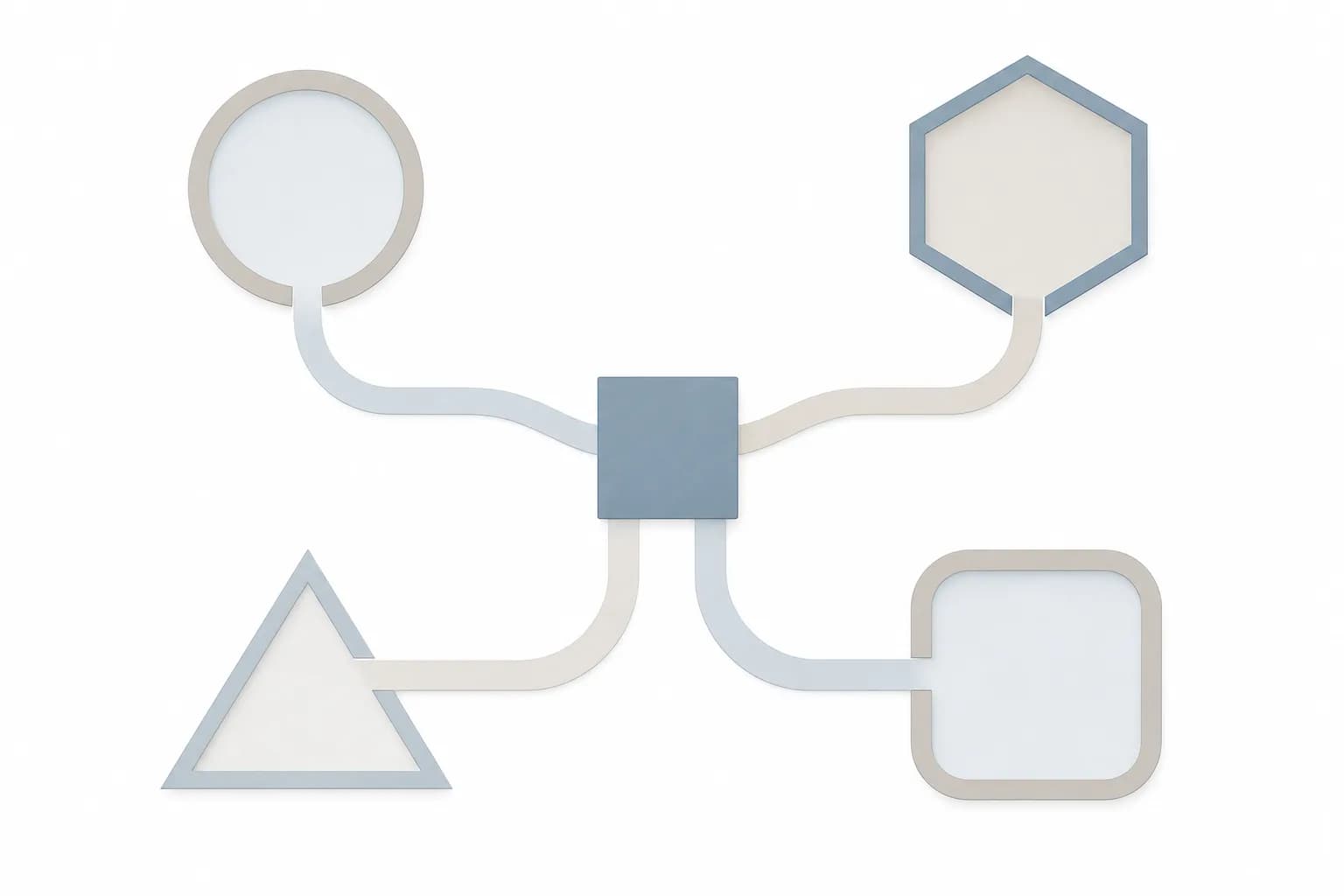
- Must hand over to a person: custom pricing, complaints, anything involving a promise or a decision.
This list becomes the basis for the assistant's instructions and for your testing.
Mistake 4: Building a dead end instead of a handoff
An assistant that cannot answer and offers nothing else frustrates visitors, and frustrated visitors leave. Worse, they may rephrase the question until the assistant produces something, even if it is wrong.
How to avoid it: Design the "I can't help with that" moment as carefully as the answers. When the assistant reaches its limit, it should offer a clear route: a WhatsApp link, a contact form or a booking option, depending on how your customers prefer to reach you. If you are unsure which path suits your business, our article on choosing between WhatsApp, a contact form or a booking widget can help. Ideally the conversation so far is passed along too, so the customer does not have to repeat themselves.
Mistake 5: Launching without testing real questions
Many assistants are tested with a handful of easy questions the team already knows the answers to. They pass, the assistant goes live, and real visitors immediately ask things nobody expected: misspelled questions, questions mixing two topics, questions about competitors, or attempts to get the assistant to promise something.
Tip: Before launch, collect 30 to 50 real questions from your inbox, WhatsApp chats and sales calls, and add 10 deliberately tricky ones, such as asking for a discount, a guarantee or something you do not offer. Run them all, mark each answer correct, wrong or unsafe, and fix the sources or instructions before going live.
Keep this list. You will reuse it every time you change the content or the setup, so you can check that nothing has quietly got worse.
Mistake 6: Pretending the assistant is a person
Giving the assistant a human name and photo and never mentioning it is automated may feel friendly, but it damages trust the moment it gets something wrong. Visitors who discover they were talking to software they believed was a person tend to doubt everything else on your site too.
How to avoid it: Say plainly that it is an automated assistant, describe what it can help with, and make it easy to reach a human. A short opening message does this well: what it can answer, what it cannot, and how to contact the team.
Mistake 7: Ignoring what visitors type into it
Chat windows invite people to share more than they would in a form. Visitors may type phone numbers, addresses, order details or health and financial information. If you have not decided where those messages are stored, who can read them and which provider processes them, you have a privacy question you did not intend to create.
How to avoid it: Decide in advance what data the assistant collects, how long conversations are kept and who has access. Add a short notice near the chat window telling visitors not to share sensitive details. Our article on where your data goes when you use AI walks through the main options and what each means for your business information.
Mistake 8: Treating launch as the finish line
Your business changes. Prices move, services are added, policies are updated. An assistant that was accurate in its first month can drift into inaccuracy simply because the content behind it did not keep up.
How to avoid it: Plan for ongoing review from the start:
- Read a sample of conversations regularly, especially in the first weeks.
- Note the questions it could not answer; they often show gaps in your website content.
- Update sources whenever policies or prices change, and rerun your test list afterwards.
- Give one named person responsibility for the assistant, the same way someone owns your social media or inbox.
A human review habit matters here as well. If the assistant drafts replies that staff approve before sending, our comparison of human review models for AI-drafted replies may be useful.
Concrete takeaways
- Restrict the assistant to your approved content, and tell it to admit when it does not know.
- Clean up outdated and conflicting pages before connecting anything.
- Write down what it may answer, what needs fixed wording and what must go to a person.
- Always provide a handoff to a human, with context.
- Test with real and tricky questions, and keep the list for future changes.
- Be open that it is automated.
- Decide how chat data is stored and protected before launch.
- Assign an owner and review conversations on a schedule.
If you want to explore this with a team that builds AI automation alongside websites, you can read about our AI automation services, and you are welcome to contact Digital Revo whenever you would like to talk it through.
Frequently asked questions
Can an AI assistant be stopped from making things up completely?
Not with a guarantee. Restricting it to your own content, giving clear instructions, testing and reviewing conversations greatly reduce the problem, but no setup removes it entirely. That is why sensitive topics should be handed to a person or answered with fixed wording rather than left to the assistant.
Do we need a custom-built assistant, or is a ready-made chat plugin enough?
It depends on the risk and complexity. A ready-made tool can be enough for simple questions based on a small set of pages. A custom setup makes more sense when the assistant must connect to your systems, such as bookings or order status, or when you need tighter control over scope and data handling. Whichever you choose, the same mistakes above apply.
How do we know the assistant is actually helping?
Look at what happens after the conversation, not only at how many people used it. Check whether visitors got correct answers, whether handoffs to your team were smooth, and whether the questions your staff receive have become more useful or less repetitive. Reading real conversations is the most reliable way to judge quality.