
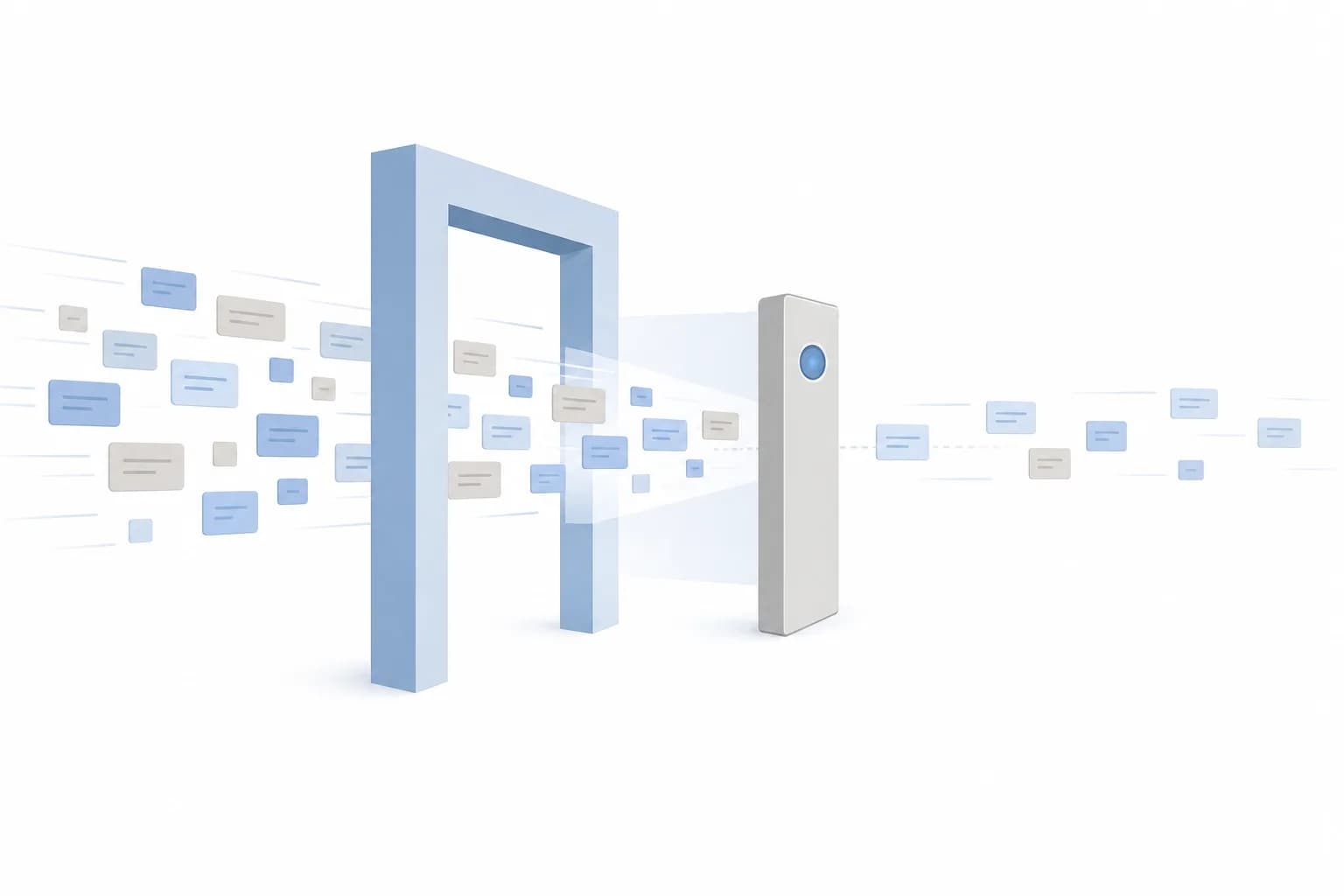
Drafting customer replies is one of the first things businesses try with AI. Inquiries arrive, the tool writes a response, and a task that took ten minutes takes one. The harder question comes right after: does a person read the reply before the customer does?
Most teams answer that on instinct, either 'of course, always' or 'it is good enough, just send it'. Both answers can be right in the right context, and both can cause real damage in the wrong one. This article compares four ways to set up human review, what each one costs you, and how to pick between them.
What the review step is actually for
A review step is not there because AI writes badly. Often the drafts read well, and that is part of the problem: a fluent, confident reply is easy to approve without thinking. The review protects you from a specific set of failures:
- Invented facts. The draft states an opening hour, a policy or a delivery condition that does not exist.
- Wrong commitments. The reply promises a refund, a discount or a date nobody agreed to.
- Misread context. The customer is upset or the question is really about something else, and the reply answers the surface wording.
- Tone problems. A cheerful template sent to someone reporting a serious problem.
- Sensitive information. Personal or account details included where they should not be.
The cost of each failure differs by business. A wrong answer about parking hours is a minor annoyance. A wrong answer about a medical appointment, a contract term or a payment is not. Your review model should follow that difference rather than treat all replies the same.
Four review models
1. Approve every reply before it is sent
The AI drafts, a person reads and edits, and nothing goes out without a click. This is the safest model and the easiest to explain to a team.
The trade-off is that the time saving shrinks to the difference between writing and reading. Reviewers also get tired. After the fiftieth plausible draft of the day, approval becomes a reflex, so the control looks stronger on paper than it is in practice. It suits low volumes, new setups and high-stakes topics.
2. Risk-tiered review
Replies are sorted by risk. Simple, factual questions drawn from approved information, such as opening hours or how to book, can be sent automatically or with a light check. Anything involving money, complaints, legal or health topics, or unusual wording goes to a person first.
This keeps most of the time saving while putting human attention where mistakes are expensive. The trade-off is setup effort: someone has to define the tiers, and the sorting itself can be wrong. A message that looks routine but is actually a complaint may slip into the fast lane. You need clear rules and a bias towards escalating when unsure.
3. Send first, spot-check afterwards
Replies go out automatically, and a person reviews a sample later, looking for patterns and fixing the instructions or source material behind them. This is how many teams already supervise human staff.
It is fast and cheap, but every mistake in the unchecked portion reaches a customer before anyone sees it. It only makes sense when individual errors are low-impact and easy to correct, and when you can reliably find and fix problems quickly.
4. No review at all
The AI replies on its own. For a narrow, well-defined situation, such as confirming that a form was received, this is reasonable and often barely counts as AI at all. For open-ended customer conversations, it means accepting that the system will sometimes say something wrong with full confidence and nobody will notice until the customer reacts.
Side-by-side comparison
The table below puts the four models next to each other on the trade-offs that matter most day to day.
| Model | Time saved | Main risk |
|---|---|---|
| Approve every reply | Modest | Reviewer fatigue |
| Risk-tiered review | Substantial | Misjudged risk tier |
| Spot-check afterwards | High | Errors reach customers first |
| No review | Highest | Unnoticed, repeated mistakes |
Read the table as a spectrum between speed and control, not a ranking. The right place on it is not a company-wide setting. It can differ by channel, by topic and by how mature your setup is. Many businesses start at the top and move down only for specific categories of reply, once the evidence supports it.
How to choose for your business
Three questions usually settle it.
- What does a wrong reply cost? Think in terms of money, trust and legal exposure, not embarrassment. If one wrong answer could cost a customer money or safety, keep a person in the loop for that topic.
- Where does the AI get its facts? A draft written from your own approved documents, price list or policy page is much easier to trust than one produced from the model's general knowledge. Reviewing is quicker when the draft can show where it got its answer.
- How many replies do you handle? At a few dozen a day, approving everything is realistic. At several hundred, it will either become a bottleneck or turn into a rubber stamp.
For example, a hypothetical dental clinic might let the system send automatic replies about clinic address and parking, route anything about pricing or treatment advice to a receptionist, and send all complaints straight to the practice manager. That is risk-tiered review with three simple lanes, and it does not need sophisticated technology to work.
Tip: Before launch, write down five to ten reply types that must never go out without a person's approval, such as refunds, price quotes, complaints and anything involving personal data. Set these as automatic escalations from day one rather than discovering them after a mistake.
Making the review step work in practice
Choosing a model is half the job. The other half is designing the review so people do it properly.
Show the source next to the draft
If the reviewer has to search for the correct answer to check the draft, they will skip checking. A good setup shows which document or record the reply was based on, so verification takes seconds.
Make editing easier than approving blindly
The review screen should let someone fix a sentence in place, not rewrite from scratch. Also give reviewers a quick way to flag a bad draft, so the problem feeds back into your instructions and source material instead of disappearing into one corrected email.
Define when the AI must hand over
Set clear triggers: an angry tone, a repeated question, a request for a person, missing information or any topic on your do-not-automate list. A draft that says 'I am not sure, please review' is more valuable than a confident guess.
Keep a record and revisit the decision
Track how often reviewers change drafts and what kinds of changes they make. If a category is almost never edited over a long period, you have evidence to loosen review there. If edits are frequent, you have evidence to tighten it or improve the source material. Treat the review model as something you adjust, not a one-time choice.
Concrete takeaways
- Match the level of review to the cost of a wrong answer, not to a single company-wide rule.
- Start with more review than you think you need and reduce it per category as evidence builds.
- Prefer drafts grounded in your own approved information over open-ended generation.
- Design the reviewer's screen so checking is fast: show sources, allow quick edits, and make flagging easy.
- Write down escalation rules before launch, especially for money, complaints and personal data.
- Review the reviewers' edits regularly; they tell you where the system is weak.
If you are still deciding which tool or workflow to use, our guide on how to evaluate an AI tool for a business workflow covers the questions to ask before committing, and our AI automation service page explains how we approach building reviewed workflows.
A human review step is not a sign that the automation failed; it is what lets a team use AI on customer-facing work responsibly while it earns trust. If you would like to talk through which model fits your inquiries, you are welcome to contact the Digital Revo team.
Frequently asked questions
Does reviewing every reply cancel out the benefit of using AI?
Not entirely. Reading and lightly editing a good draft is usually faster than writing from scratch, and it keeps replies consistent. The saving is smaller than with automatic sending, so many businesses start here and relax review only for low-risk topics once they have evidence.
Who should do the reviewing?
Someone who knows your policies and customers well enough to spot a wrong answer, usually the person who would have written the reply anyway. Avoid assigning review to whoever is least busy; a reviewer without the knowledge to catch errors adds delay without adding safety.
Can we tell customers a reply was drafted with AI?
Yes, and in some contexts it is a good idea, especially when a chat assistant answers directly. Be clear about how customers can reach a person. Whatever you decide, a human should remain accountable for what is sent in your business's name, and you should check what privacy and consumer rules apply to your situation.