Sooner or later, someone hands you a report that says your website has a 'poor LCP' or a 'high CLS', and you are expected to decide whether it matters. The terms sound like internal engineering jargon, and the advice that follows is often a list of technical tasks with no explanation of what they will change for your customers.
This article explains Core Web Vitals in plain language: what the three measures actually describe, why different tools give different numbers, what typically causes bad results, and how to decide what is worth fixing.
What Core Web Vitals are, and what they are not
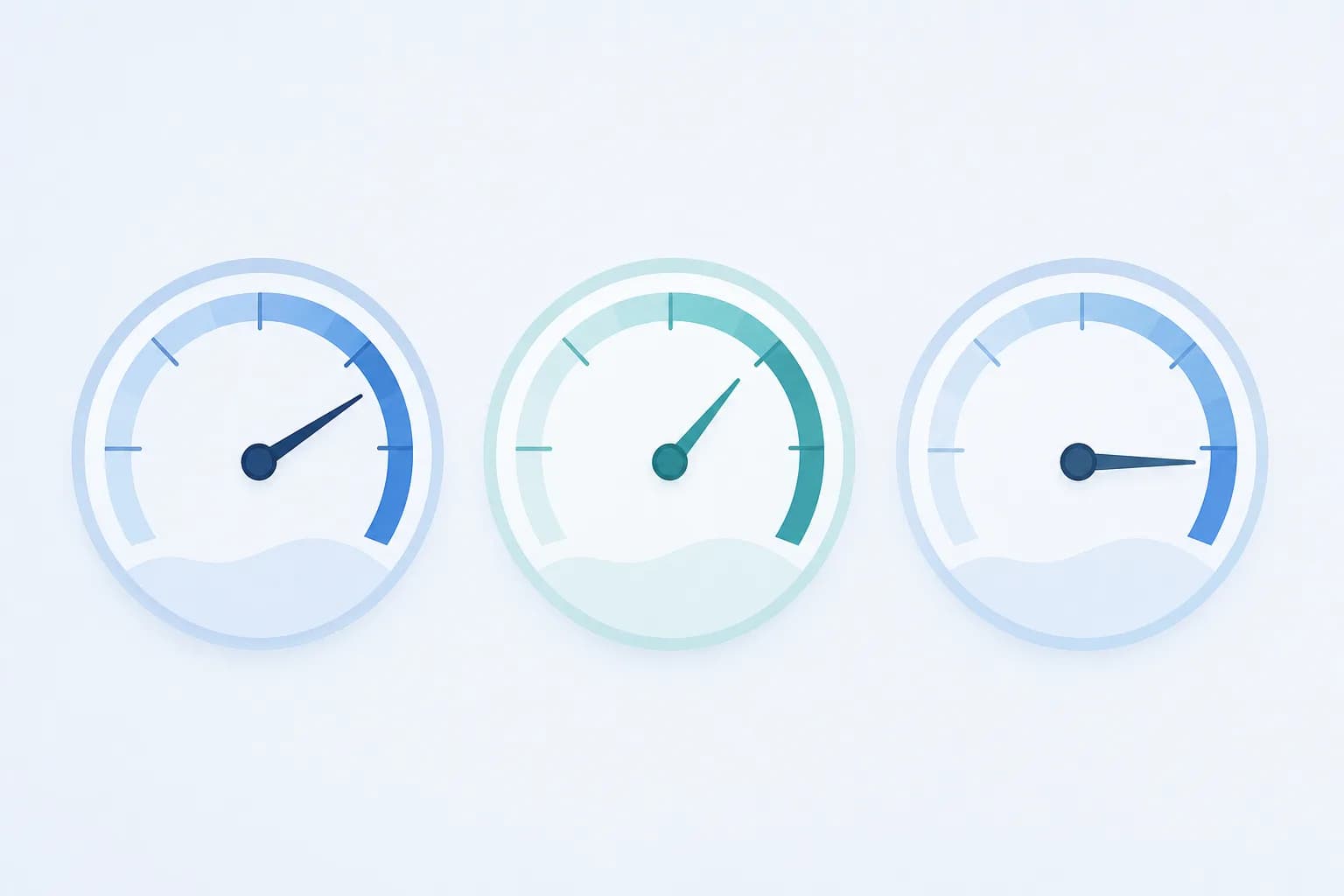
Core Web Vitals are a small set of measurements published by Google that describe how a page feels to a real visitor. They do not measure whether your content is good, whether your design is attractive, or whether your offer is competitive. They measure three experiences that almost everyone finds frustrating when they go wrong:
- The page takes too long to show its main content.
- The page seems frozen when you tap or click something.
- The page jumps around while you are trying to read or press a button.
Each experience has a name and an abbreviation. Once you map the abbreviation to the experience, the jargon mostly disappears.
The three measures, one at a time
LCP: how quickly the main content appears
LCP stands for Largest Contentful Paint. It records how long it takes for the biggest visible element, usually a hero image, a large heading or a banner, to appear on screen after someone opens the page. It is a stand-in for the question 'does this page feel like it has loaded?'
Imagine a restaurant website whose homepage opens with a large photo of the dining room. If that photo is a very heavy file, visitors on a mobile connection stare at a blank area for a while. The LCP is the moment that photo finally appears. The fix is rarely mysterious: a lighter image, a correctly sized one, or a faster server.
INP: how quickly the page responds when someone interacts
INP stands for Interaction to Next Paint. It looks at the delay between a visitor doing something, such as tapping a menu, opening an accordion, choosing a filter or pressing 'Add to cart', and the page visibly reacting. A poor INP feels like tapping a button and wondering whether it registered, so you tap again.
This is usually caused by the browser being busy running too much JavaScript, the code that powers interactive features. Heavy plugins, many third-party widgets and poorly written scripts all compete for the same limited capacity, especially on mid-range and older phones, which are common among real customers.
CLS: how stable the layout is while loading
CLS stands for Cumulative Layout Shift. It adds up how much visible content unexpectedly moves while the page loads. You have felt this: you go to tap a link, an advertisement or cookie banner loads above it, everything slides down, and you tap the wrong thing.
The usual causes are images without reserved space, banners that push content down after they appear, and fonts that change size when they finish loading. CLS is often the cheapest of the three to fix, because the solution is mostly about telling the browser in advance how much space each element needs.
Why different tools give you different numbers
This is the part that confuses most business owners. You run a test, get one result, ask a colleague to run it, and get another. Both can be correct, because there are two kinds of data.
- Lab data comes from a simulated visit under fixed conditions, such as a particular device and connection speed. It is useful for finding problems and checking whether a fix worked, because it is repeatable.
- Field data comes from real visitors using your site over a period of time, on their own phones and networks. It reflects what customers actually experience, but it changes slowly and only appears if your site gets enough traffic.
When they disagree, the field data is closer to reality, while the lab data is better for diagnosis. A low-traffic site may have no field data at all, in which case lab results are your main guide. Treat any single test run as a rough reading, not a verdict.
What usually causes poor results
Across most business websites, the same handful of causes appear again and again:
- Oversized images. Photos uploaded straight from a camera or design file, far larger than the space they fill.
- Too many plugins and scripts. Each analytics tool, chat widget, pop-up, booking add-on and social feed adds code the visitor's phone must download and run.
- Slow hosting. If the server takes a long time to respond, every other optimisation starts from behind.
- Late-loading elements. Banners, embeds and fonts that arrive after the page has started to display and push things around.
- Heavy page builders and themes. Some themes load large amounts of code for features you never use.
Notice that most of these are decisions made over time, not one big mistake. A site often starts fast and slowly gets heavier as marketing tools and features pile up.
What to fix first
Do not try to chase a perfect score on every page. Work in this order:
- Start with the pages that earn you money or inquiries. That usually means the homepage, key service pages, product pages and landing pages for campaigns, not an old blog post.
- Check them on a real phone using mobile data, not only on an office computer with fast Wi-Fi.
- Fix images first. Resizing and compressing them is often the biggest gain for the least effort and helps LCP directly.
- Audit third-party scripts. List everything that loads on the page and ask who uses it. Remove what nobody looks at.
- Reserve space for anything that loads late to calm layout shifts.
- Only then look at hosting and code-level changes, which cost more and are worth doing once the easy causes are cleared.
Tip: Before paying for any speed work, make a one-page list of every script and plugin running on your most important page, with the name of the person who actually uses each one. Anything without an owner is a candidate for removal, and removing it costs nothing.
How much does this matter for search rankings?
Core Web Vitals are one signal among many that search engines consider. Relevant, helpful content that matches what people search for still matters far more. A fast page with nothing useful on it will not outrank a good page that is somewhat slower.
That said, it would be a mistake to treat the scores purely as an SEO tick box. The real reason to care is that slow, jumpy pages lose people who were ready to contact you or buy. A visitor who gives up before your page loads never sees your offer. Speed supports everything else you have invested in: the design, the copy and the advertising that brought the visitor there.
It also helps to keep expectations realistic. Improving these measures can remove friction, but it is not a guarantee of higher rankings or more sales on its own.
Making speed a habit, not a one-off project
Performance tends to slide when nobody owns it. A few simple habits keep it in check:
- Ask whoever uploads images to follow a size guideline, or use a tool that resizes automatically.
- Require a short justification before adding any new script, plugin or embed.
- Re-test your key pages after every major change, including new marketing tools.
- Keep hosting and software updated as part of regular care. Our guide to hosting and maintaining your website after launch covers what that routine looks like.
If you are planning a new site, performance is far cheaper to build in than to repair later, which is one reason to raise it in the first conversation about your website project.
Concrete takeaways
- LCP is how fast the main content appears, INP is how fast the page reacts to taps and clicks, and CLS is how much the layout jumps around.
- Lab tests are repeatable and good for diagnosis; field data shows what real visitors experience. Expect them to differ.
- Focus on the pages that bring in inquiries or sales, and test them on a real phone.
- Oversized images and unnecessary scripts are the most common causes, and the cheapest to fix.
- Good scores support your content and design but do not replace them.
- Assign someone to own performance, otherwise it quietly gets worse.
You do not need to understand the code behind these measures to manage them well. If you can describe the three experiences and ask the right questions about images, scripts and hosting, you can hold any developer or vendor to a clear standard. If you would like a second opinion on how your own site is performing, you are welcome to get in touch with us.
Frequently asked questions
Do I need a perfect score on every page?
No. Aim for good results on the pages that matter most to your business, and for a site that feels quick on an ordinary phone. Chasing perfection on every page often costs more than it returns, and some trade-offs, such as keeping a useful booking widget, are worth a small penalty.
Will a faster website automatically improve my Google ranking?
Not automatically. Core Web Vitals are one of several signals, and relevance and content quality usually count for more. Improving speed removes a possible disadvantage and makes visitors more likely to stay and act, but it should not be sold to you as a guaranteed ranking boost.
Can I fix these problems myself without a developer?
Some of them, yes. Resizing and compressing images, removing unused plugins and cutting unnecessary embeds are things a careful site owner can do. Deeper causes, such as slow hosting, heavy themes or inefficient code, usually need a developer, and it helps to clear the simple issues first so that paid time goes where it is needed.