If you have recently asked a developer or agency about a new website, you may have heard the phrase "headless CMS". It is often presented as the modern choice, and WordPress as the old one. For a business owner who just wants a site that is easy to update and does its job, that framing is confusing and a little worrying.
The truth is less dramatic. A headless CMS is a different way of organizing a website, with real benefits in some situations and real costs in others. This article explains the idea in plain language so you can judge a recommendation instead of simply accepting it.
First, what a CMS actually does
A content management system (CMS) is the tool your team uses to edit the website without touching code: changing a price, publishing an article, swapping a photo. Behind that friendly screen, a CMS does two separate jobs:
- Storing and editing content. The text, images and structured information, such as products, team members or locations.
- Presenting that content. Turning it into the pages visitors see, with the design, layout and navigation.
In a traditional CMS such as WordPress, these two jobs live together. You edit a page, and the same system builds and shows it. That is why it feels simple: one place, one system.
What "headless" means
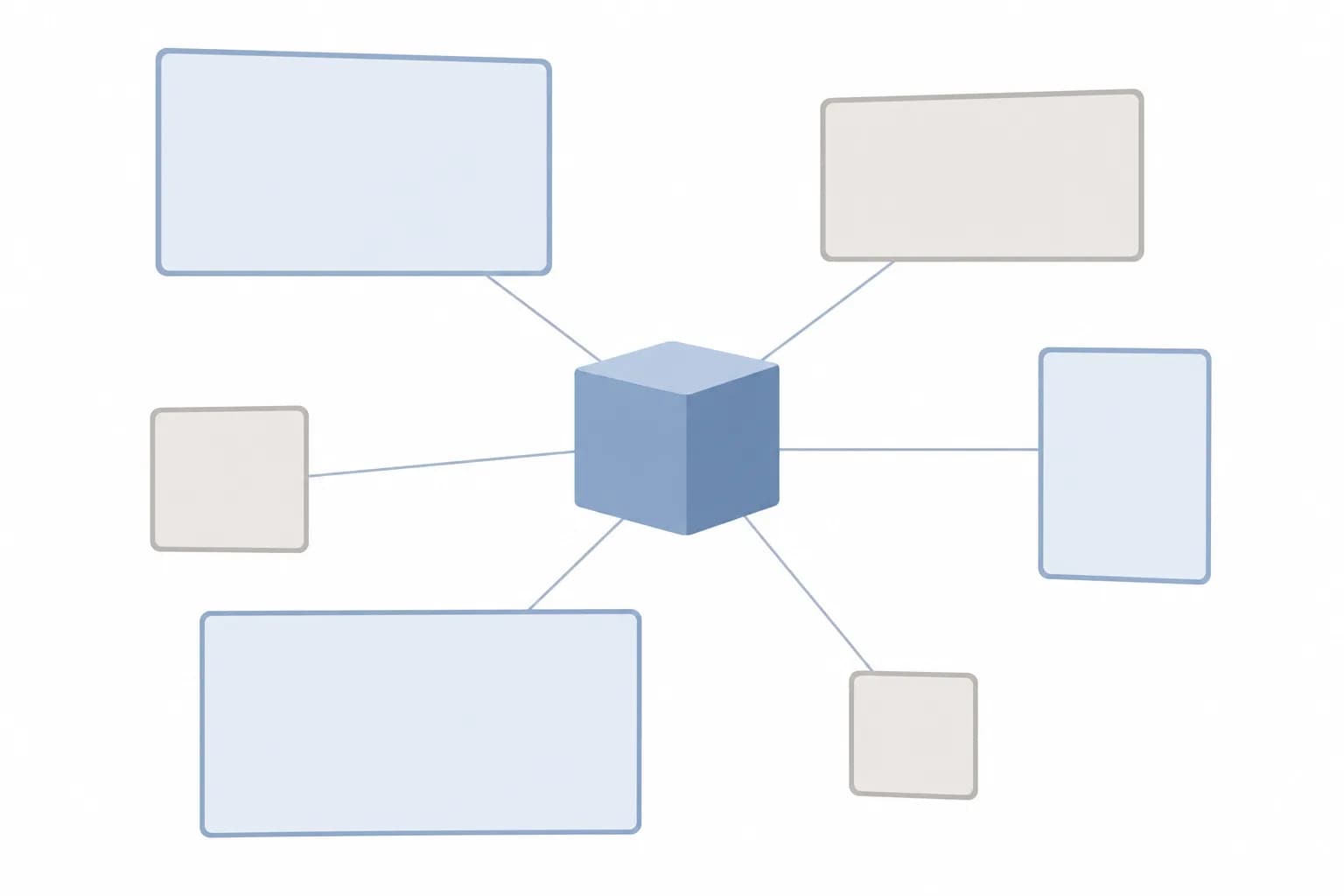
In a headless setup, the "head" (the part visitors see) is separated from the "body" (where content is stored and edited). The CMS only manages content. A separate front end, built by developers, fetches that content through an API and displays it.
Think of a restaurant. In a traditional CMS, the kitchen and dining room are one connected space, and the same team runs both. In a headless setup, the kitchen prepares dishes and sends them out to any number of places: the main dining room, a delivery service, a food stall. The kitchen does not care where the food ends up, and each place can serve it in its own style.
For your team, editing content may feel almost the same as before. The difference is mostly behind the scenes, and in what developers can do with the content afterward.
What you gain
One source of content, many places
If the same content needs to appear on a website, a mobile app, an in-store screen or a partner portal, a headless CMS lets you write it once and use it everywhere. A hypothetical example: a retail group with a website, a loyalty app and in-store displays could update a promotion in one place and have all three reflect it.
Freedom over the front end
Because the front end is built separately, developers are not limited by a theme or by how a particular CMS expects pages to be assembled. That matters when the design or interaction is unusual, or when the site behaves more like an application than a set of pages.
Cleaner separation of responsibilities
Content editors, designers and developers can work more independently. A redesign of the front end does not require moving all your content, and a content change does not risk breaking the layout.
What you give up
These costs are the part that sales conversations often skip.
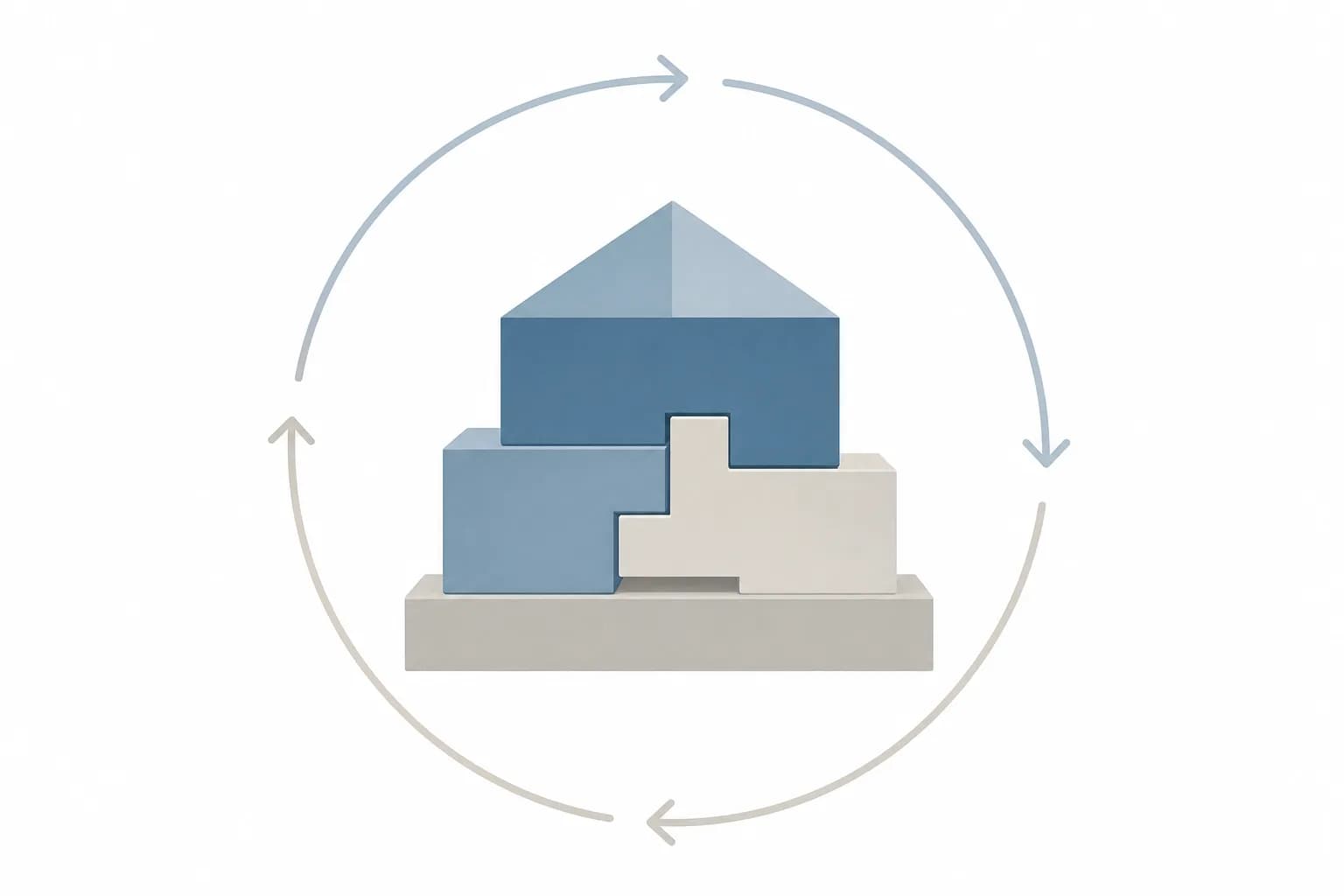
- More pieces to build and maintain. You now have a content system, a front end, and the connection between them. Each needs hosting, updates and monitoring. Our guide to hosting and maintaining a website after launch covers why more moving parts means more ongoing care.
- Plugins do not carry over. In WordPress, features like forms, SEO settings, redirects, booking and multilingual support often arrive as plugins. In a headless build, each of these must be rebuilt, connected or replaced with another service.
- Previewing can be harder. Editors are used to seeing exactly how a page will look before publishing. In a headless setup, that preview has to be deliberately built, and when it is skipped, editors lose confidence.
- Greater dependence on developers. Small changes to layout or page types usually need a developer rather than a drag-and-drop tool.
- SEO needs deliberate attention. Page titles, metadata, sitemaps and redirects do not happen automatically. They are achievable, but they must be planned.
A headless CMS pays off when the same content must reach several places or the front end needs unusual freedom. For a single marketing website, it often adds complexity without adding value.
Where WordPress and a custom build fit
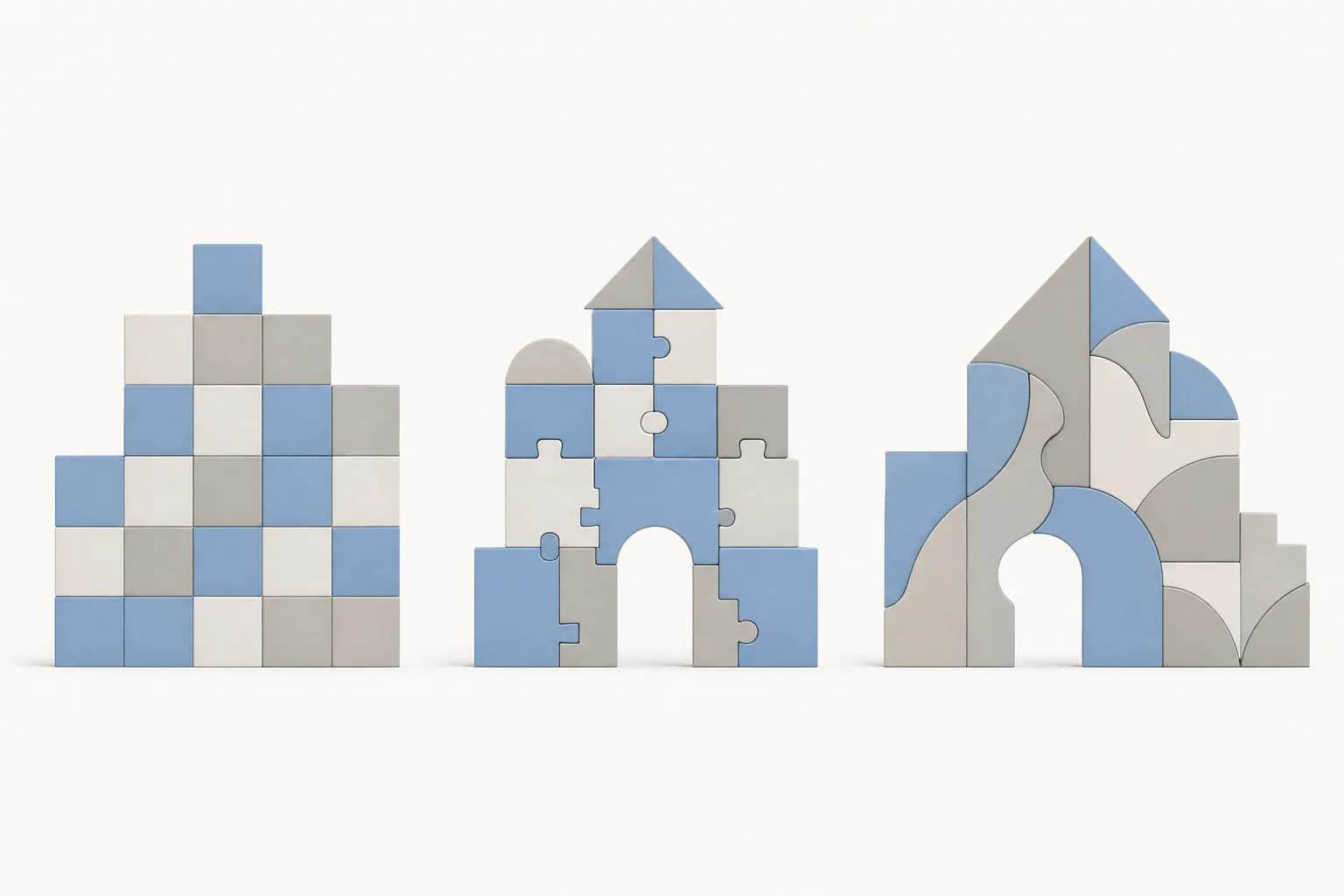
The choice is not really "old versus modern". It is three different approaches to the same question: how much do you want ready-made, and how much do you want shaped around you?
Traditional WordPress
Content and presentation live together. It is well suited to company websites, blogs, catalogs and many small business needs, with a large ecosystem of themes and extensions. Its strength is that your team can manage a lot on its own. Its weakness is that heavy customization and a long list of plugins can make a site slower and harder to maintain if they are not chosen carefully. If this sounds like your situation, our WordPress development service is built around doing it properly.
Headless CMS
Content lives in a dedicated system and is delivered by API to a custom front end. It suits businesses with several channels, complex front-end needs, or a development team that will keep working on the product. Interestingly, WordPress itself can be used as the content side of a headless setup, so the two are not always opposites.
Fully custom build
Everything, including how content is stored and managed, is designed for your specific processes. This makes sense when your needs go beyond content, for example accounts, workflows, approvals or integrations with internal systems. At that point you are usually looking at a web application rather than a website, which is a different conversation.
Signs headless may be right for you
- The same content must appear on a website and at least one app or screen.
- Your design requires interactions a standard theme cannot reasonably deliver.
- You have, or will have, developers available on an ongoing basis.
- Your site is more like a product than a brochure, and it will keep evolving.
Signs it probably is not
- You need a company profile, service pages, a blog and a contact path.
- Your team wants to change layouts and add pages without developer help.
- You rely on plugin-style features such as forms, booking or search that work out of the box elsewhere.
- The main reason is that someone said it is more modern.
If you are still working out what your site needs to do, start with what a small business website should do. The right architecture follows from that answer, not the other way around.
Questions to ask before you agree to headless
- Which specific problem does headless solve for us that a traditional setup would not?
- How will our editors preview a page before it goes live?
- Which features that we would get free in WordPress do we have to rebuild, and who maintains them?
- What are the ongoing hosting and maintenance responsibilities across all the pieces?
- How will SEO elements such as titles, redirects and sitemaps be handled?
- If we later change developers, how easy is it for someone else to take this over?
A good answer is specific to your business. A vague answer about speed and modernity is a signal to keep asking.
Takeaways
- A headless CMS separates where content is managed from where it is displayed.
- Its main benefits are reusing content across channels and having full control over the front end.
- Its main costs are more components to maintain, rebuilt features and greater reliance on developers.
- WordPress is not obsolete, and it can even be used in a headless way.
- Choose based on your channels, your team and your plans, not on what sounds current.
Most businesses with a single website are well served by a thoughtfully built traditional setup, and a smaller number genuinely benefit from going headless. If you want a second opinion on which category you fall into, you are welcome to talk it through with us at Digital Revo, and our website services page is a good place to begin.
Frequently asked questions
Is a headless CMS faster than WordPress?
Not automatically. A headless front end can be very fast when it is built well, but a well-built traditional site can be fast too, and a poorly built headless one can be slow. Speed depends on how the site is built and hosted, not on the label.
Can my team still edit content easily with a headless CMS?
Usually yes, for text, images and structured content. The editing screen can be just as friendly. What often differs is layout control and previewing, so ask how those will work before you commit.
Can we start with WordPress and move to headless later?
Often, yes. If your content is well organized from the start, it can be reused when your needs grow, for example when you add an app. Planning your content structure carefully now makes any future change easier, whichever direction you go.