A request that sounds small often arrives early in a web project: "Can customers pay on the site?" or "Can the form send a message to our WhatsApp?" The answer is nearly always yes. The trouble is that "yes" hides a lot of work, and the part that looks easy is rarely where the effort goes.
These features all rely on integrations: your website or system talking to a service someone else runs. This article explains in plain language how that conversation works, what is different about payments and WhatsApp, where things tend to go wrong, and what to ask before anyone starts building.
What an API is, without the jargon
An API (application programming interface) is a set of agreed rules that lets one piece of software ask another for something. Think of a restaurant. You do not walk into the kitchen. You give your order to a waiter, who carries it to the kitchen and brings back the result. The API is the waiter, and the rules are the menu: what you can ask for, in what format, and what you will get back.
When your website connects to a payment provider, a WhatsApp service, a shipping-rate calculator or an accounting tool, it is placing orders with that provider's kitchen. You do not control the kitchen. That single fact explains most of the surprises that follow.
Two directions of conversation
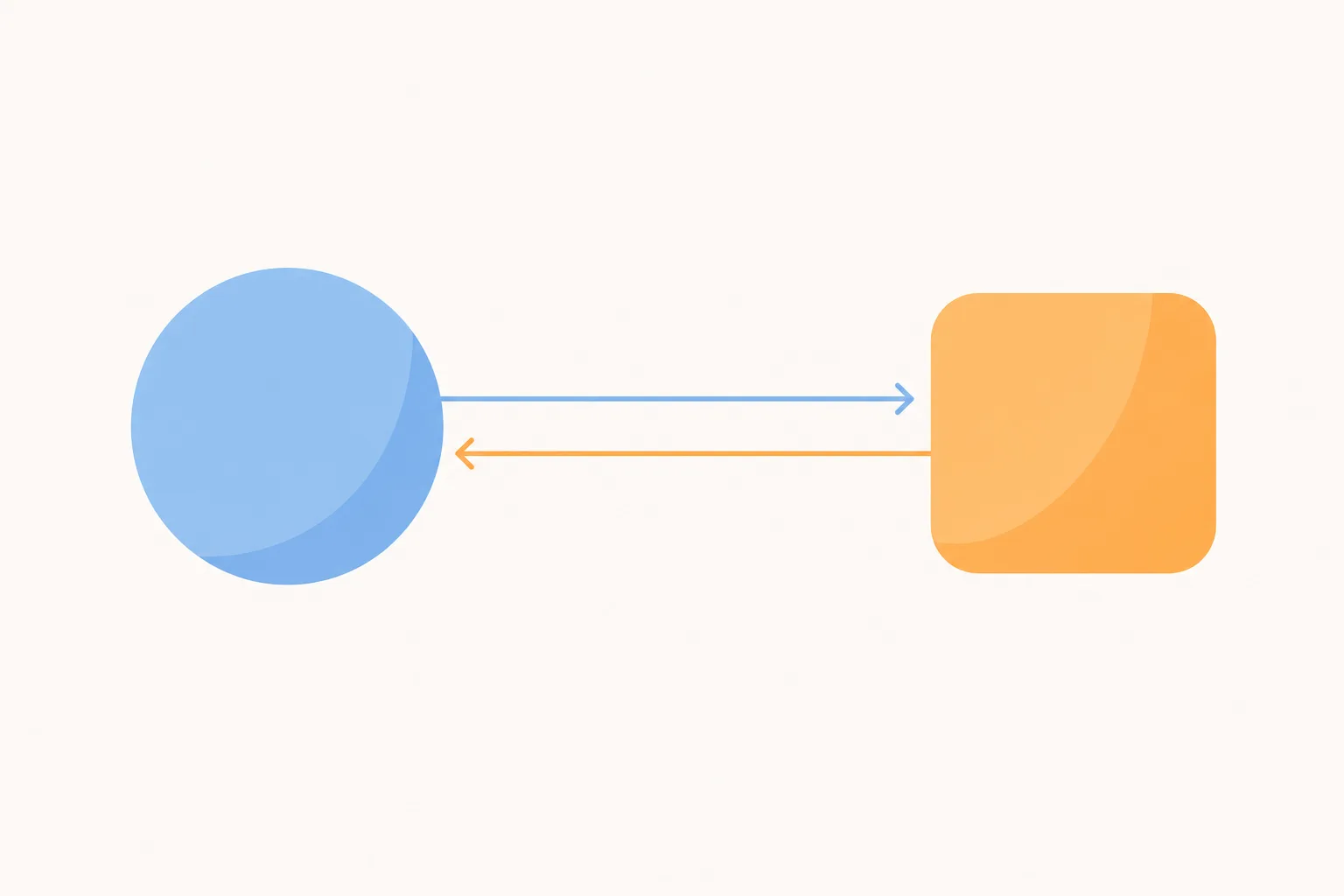
Integrations usually work in two directions, and it helps to know the difference:
- Your site asks, they answer. For example, your site asks a courier service for the shipping cost to a postcode and shows the result at once.
- They tell your site when something happens. For example, a payment provider notifies your site that a customer has paid. This is often called a webhook: a message sent to your system, at the provider's initiative, when an event occurs.
The second direction matters more than most people expect, especially for payments.
How payment integrations work
In a typical online payment, the customer does not type card or e-wallet details into your own page. They are either sent to a payment page hosted by the provider, or shown a payment form supplied by the provider inside your page. Either way, the sensitive details go to the provider, not to you. That is deliberate: it keeps you away from handling raw card data, which carries heavy responsibilities.
The sequence looks like this:
- The customer checks out, and your site creates an order with a status such as "waiting for payment".
- Your site asks the payment provider to create a payment for that order and gets back a payment link, a QR code or a virtual account number.
- The customer pays using their chosen method.
- The provider sends a confirmation to your site, and your site marks the order as paid.
Why step four is the one that matters
A common beginner mistake is to treat the moment the customer returns to your "thank you" page as proof of payment. It is not. Customers close tabs, lose signal, or never come back after paying with a banking app. Equally, someone can land on a thank-you page without paying at all.
The reliable signal is the provider's confirmation message to your server, which your system should verify as genuine before updating the order. If your build relies on the browser returning to a page, some paid orders will be stuck as unpaid, and that becomes a customer-service problem very quickly.
Payment states you need to plan for
Payment is not simply paid or not paid. A well-built integration handles at least these situations:
- Pending: the customer has started but not finished, which is common with bank transfers and virtual accounts.
- Expired: the payment window closed, so stock may need releasing.
- Failed: the attempt was declined, and the customer should be able to try again.
- Refunded or partially refunded: your order records need to reflect it.
- Duplicate confirmations: providers sometimes send the same message more than once, and your system must not ship two orders because of it.
Also check which methods your customers actually use. In Indonesia that often means bank transfer, virtual accounts, e-wallets and QRIS, rather than cards alone. Which methods you can offer depends on the provider you choose and on the approval process for your business, so confirm this early rather than assuming.
How WhatsApp integrations work
"Connect to WhatsApp" can mean three quite different things, and mixing them up leads to mismatched expectations.
Level one: a click-to-chat link or button
The simplest option is a button that opens a WhatsApp conversation with your number, optionally with a pre-filled message. There is no real integration here. A person on your team replies from the app. For many small businesses this is enough, and it costs little to set up.
Level two: the WhatsApp Business app
The business version of the app adds a catalogue, labels, quick replies and away messages. It is still manual and still designed for a small team working from phones.
Level three: the WhatsApp Business Platform (API)
This is what an actual integration uses. It lets your own system send and receive messages automatically: order confirmations, appointment reminders, delivery updates, or a shared inbox for several staff. It comes with rules you should understand before promising features:
- Access normally goes through Meta or an approved provider, and your business account must be verified.
- Messages you start outside an ongoing conversation generally have to use pre-approved templates, so you cannot send any wording you like at any time.
- There is typically a limited window after a customer's last message during which you can reply freely.
- Customers should have opted in to hear from you, and you need a clear way to handle opt-outs.
- Charges are set by the platform and the provider you use, so confirm how they are calculated before you design a high-volume flow.
If you plan to add automated or AI-assisted replies on top, keep a path to a real person for anything sensitive. Our article on human review of AI-drafted customer replies covers how to set that up.
Other integrations you may meet
The same ideas apply wherever your system touches someone else's:
- Shipping and logistics: live rates, label creation and tracking updates.
- Accounting and invoicing: pushing sales into your books so staff stop retyping them.
- CRM and email tools: sending new enquiries to wherever your sales team works.
- Maps and address lookup: fewer delivery mistakes, but usually usage-based fees.
- Login through other accounts: letting customers sign in without a new password.
Some of these are available as ready-made plugins or connectors, especially on WordPress. Others need custom work. If you are weighing those routes, our guide to off-the-shelf, no-code or custom software explains the trade-offs.
What can go wrong, and why
Because you depend on a service you do not control, integrations fail in ways ordinary pages do not.
- The provider has an outage. Your site is fine but checkout fails. Good builds show a clear message and keep the order safe rather than losing it.
- The provider changes something. Services update their rules, retire old versions and change approval requirements. Integrations need occasional maintenance for this reason.
- Messages arrive late, twice or out of order. The system must cope with all three.
- Secret keys leak. Every integration uses keys that act like passwords. If they sit in front-end code or are shared in chat, anyone who finds them can misuse your account. Our website security checklist covers handling access properly.
- Test mode and live mode get confused. Providers offer a sandbox for trial transactions. Going live means switching to different keys and re-testing with real, small transactions.
- Nobody checks the numbers. Payments recorded by the provider should be reconciled against orders in your system, or mismatches go unnoticed for months.
An integration is not finished when it works once. It is finished when it also behaves sensibly when payments are late, messages repeat and the other service goes down.
Takeaways: questions to settle before building
Whether you build with us or anyone else, these questions turn a vague wish into something that can be planned and priced fairly:
- Which exact events should trigger what? For example, "when an order is paid, send a confirmation and notify the warehouse" is specific; "connect payments" is not.
- Which provider, and has your business been approved? Approval and verification steps can take longer than the development itself, and they are outside anyone's control but the provider's.
- What happens on failure? Ask how pending, expired, failed and duplicate cases are handled, and who is told.
- Who owns the accounts and keys? They should be in your company's name, with access you can revoke.
- What are the ongoing costs? Providers may charge per transaction or per message, separate from the development work.
- Who maintains it? Decide who watches for provider changes and fixes problems after launch. Our guide to hosting and maintaining your website is a useful companion here.
- How will it be tested? Ask for a walk-through of real scenarios, including a failed payment and a repeated message, before launch.
If your integrations are becoming central to how the business runs, such as orders, bookings, stock and customer messages all feeding one another, that is often a sign you need a purpose-built system rather than a collection of plugins. Our web applications service page explains what that involves.
Integrations are not mysterious, but they do reward planning. If you are thinking about adding payments, WhatsApp or another connection to your site and want a second opinion on the approach, you are welcome to get in touch with the Digital Revo team.
Frequently asked questions
Can I just add a payment button without any development?
Sometimes. Many providers offer simple payment links or ready-made plugins that work for a small catalogue or a handful of products. These can be a sensible starting point. Custom development becomes worthwhile when you need specific order logic, several payment methods, stock handling, subscriptions or tidy records in your accounting system.
Do I need the WhatsApp Business Platform, or is the normal Business app enough?
If one or a few people reply manually and message volume is modest, the Business app with a click-to-chat button is usually enough. The platform makes sense when you need automated notifications, several agents sharing one number, or messages triggered by events in your system. Be aware that it brings template approvals, opt-in rules and usage-based charges.
What happens if the payment provider or WhatsApp changes its rules?
Your integration may need updating. Providers announce changes, and a well-maintained system is adjusted before old methods stop working. This is why it helps to agree, at the start, who is responsible for monitoring provider notices and making fixes after launch, rather than assuming the integration will run unchanged forever.