A company launches a redesigned website. It looks sharper, loads faster and the team is proud of it. A few weeks later, inquiries from search have dropped and nobody can say why. The design is rarely the cause. More often, the new site quietly lost what search engines had learned about the old one: which pages exist, what they are about and which ones deserve to appear for which searches.
This is avoidable. Below are seven mistakes we see businesses make when moving or rebuilding a website, and what to do instead. You do not need to be technical to use this list. You do need to ask your web team the right questions before launch, not after.
What actually gets lost in a migration
Search engines know your site as a collection of addresses (URLs). Each address has a history: the content on it, the other sites linking to it and how visitors have behaved there. When an address changes or disappears, that history does not move on its own. Somebody has to tell search engines where the page went, and the new page needs to be a fair replacement for the old one.
Most traffic losses after a migration come from one of two things: addresses that stopped working, or content that was changed or removed without anyone checking whether it was bringing in visitors. Both are visible before launch if you look.
Mistake 1: Starting without an inventory of the old site
Many projects begin with design mockups and never produce a full list of what already exists. Then pages are forgotten: an old blog post that still brings steady inquiries, a service page buried three clicks deep, a PDF guide other sites link to.
How to avoid it: before any design starts, list every page, post, document and image that has its own address. Next to each, note whether it gets visits from search, whether other sites link to it and whether it leads to inquiries or sales. Your analytics and Google Search Console show the first one, and a crawl of the site gives you the full address list. This spreadsheet becomes the foundation for every later decision.
Mistake 2: Changing URLs without a redirect plan
New platforms often produce new address patterns. A page that lived at /layanan/desain-web may become /services/web-design. If a visitor or search engine requests the old address and gets an error page, the history of that page is effectively lost.
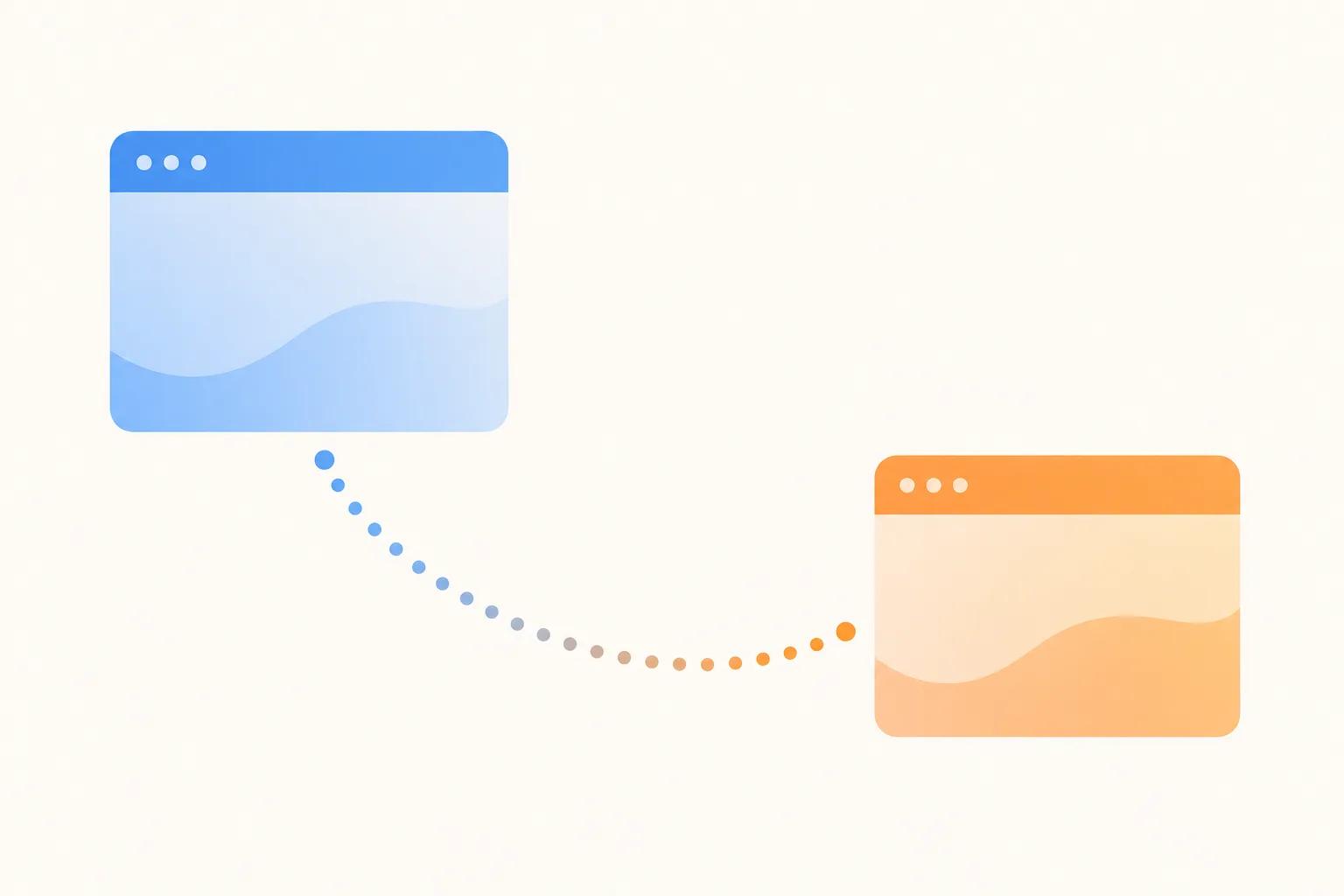
A redirect is an instruction that says, "this page has moved here." Redirects are the single most important technical task in a migration, and they go wrong in a few predictable ways.
Sending everything to the homepage
When a team has hundreds of old addresses and little time, the shortcut is to redirect them all to the homepage. This helps visitors very little. Someone searching for a specific service lands on a general page and leaves, and search engines may treat the mass redirect as a missing page. Each old page should point to the most relevant new page.
Chains and temporary redirects
Two other problems show up often. The first is redirect chains, where the old address points to a middle address, which points to the final one. Each hop slows things down and adds risk. The second is using the wrong type. A permanent redirect (often called a 301) tells search engines the move is final. A temporary one (302) says the move may be reversed, so search engines may keep treating the old address as the real one.
Tip: Build the redirect map as a simple spreadsheet with three columns: old address, new address and a note on why that match makes sense. Ask your web team to test every row on the staging site before launch, and to confirm each one goes straight to the final page in a single step.
Mistake 3: Deleting pages because they look old
A redesign feels like a chance to tidy up. Old blog posts, outdated service descriptions and thin pages get cut because nobody on the team likes them. Some of those pages may be quietly doing the most work on your site.
Judge each page by what it does, not how it looks. Using your inventory, split pages into three groups:
- Keep and improve: pages that get visits or inquiries. Update the content, but keep the address and the main topic.
- Merge: several weak pages covering the same topic. Combine them into one stronger page and redirect the others to it.
- Remove: pages with no visits, no links and no purpose. Redirect them to the closest relevant page, or let them return a proper "not found" response if there is no good match.
If you are also reorganising the menu and page hierarchy, our article on planning website structure before a redesign covers how to do that without creating new problems.
Mistake 4: Treating titles, headings and internal links as decoration
Page titles, meta descriptions, headings and the links between your pages are part of how search engines understand what each page is about. In a rebuild, they are often lost because they lived in fields of the old system that nobody exported. The new page has the right look but a generic title, or no description at all.
Content that was carefully worded for a topic may also be rewritten by a designer or copywriter who was never told which phrases the page was found for. A friendly new headline can accidentally remove the exact words customers were searching.
How to avoid it: carry over titles, descriptions, headings, image descriptions and structured data for every page you keep, then change them deliberately, not by accident. Give writers a short brief per important page: what it ranks for, what it must still say and which links must stay.
Mistake 5: Launching with the staging settings still on
While a new site is being built, it sits on a private or test address. Teams normally tell search engines to stay away from it, using a "noindex" instruction or a block in a file called robots.txt. That is correct during development. The mistake is forgetting to remove the instruction at launch, so the live site politely asks search engines not to list it.
The opposite happens too: the test site is left open, gets indexed and competes with the real one, creating duplicate content.
How to avoid it: put "remove staging blocks" and "confirm test site is hidden" on the launch checklist as named tasks with an owner. On launch day, check a few live pages to confirm they are allowed to be indexed.
Mistake 6: Not watching the site after launch
A migration does not end when the new site goes live. Some movement in search results is normal while search engines process the changes. But a sustained drop usually points to something fixable, and it is much easier to fix in the first days than months later.
Plan a post-launch routine:
- Submit the new sitemap in Google Search Console and confirm it is read without errors.
- Check the coverage and error reports for pages that return "not found" and compare them to your inventory.
- Test your top pages by hand, including on a phone.
- Confirm analytics and conversion tracking still work, so you can actually measure change.
- Keep the old redirect rules in place long term, not just for a few weeks.
Also check page speed on the new site. A heavier design can undo the benefit of a clean migration, and our guide to Core Web Vitals in plain terms explains what to look at.
Mistake 7: Changing everything at once
A new design, new platform, new domain name, new URL structure and rewritten content, all on one day. If traffic drops, you cannot tell which change caused it. The risk is also higher simply because there are more places for something to go wrong.
You do not always have to split changes up. Sometimes a single move is the sensible choice. But ask the question honestly: which changes are necessary together, and which could wait? Keeping the same domain and the same URLs for important pages, where the new platform allows it, removes a large amount of risk. If the domain itself must change, it deserves its own careful plan.
Concrete takeaways
- Inventory the old site first: every address, with its traffic, links and business value.
- Write a one-to-one redirect map, and test it before launch.
- Never send all old pages to the homepage.
- Decide page by page what to keep, merge or remove, based on what the page does.
- Carry over titles, descriptions, headings and internal links deliberately.
- Put staging blocks on the launch checklist, in both directions.
- Monitor Search Console and analytics after launch, and keep redirects in place.
- Limit how many major changes ship at the same time.
Migration risk is a planning problem more than a technical one. If you are comparing platforms first, our article on hosting and maintaining your website after launch covers what comes next.
If you are planning a redesign or a move to a new platform and want a second opinion on protecting your search traffic, you are welcome to contact the Digital Revo team to talk it through.
Frequently asked questions
Will my search rankings drop after a redesign?
Not necessarily. Some short-term movement is common while search engines reprocess the site, but a well-planned migration with correct redirects and preserved content should not cause a lasting loss. If rankings stay down well after launch, check redirects, indexing settings and changed page content first.
Do I need redirects if I keep the same domain name?
Yes, if any page addresses change. The domain staying the same does not help when /about-us becomes /company. Every address that changes needs a permanent redirect to its closest new equivalent. If the addresses stay identical, no redirect is needed for those pages.
Should I redesign and move to a new platform at the same time?
It can work, but it raises the risk because more things change at once. If there is no business reason to combine them, consider doing the platform move first with the design kept close to the original, then redesigning afterwards. If you must do both, a thorough inventory and redirect plan matter even more.